




Sections
Over 1,900 website sections, designed by people.
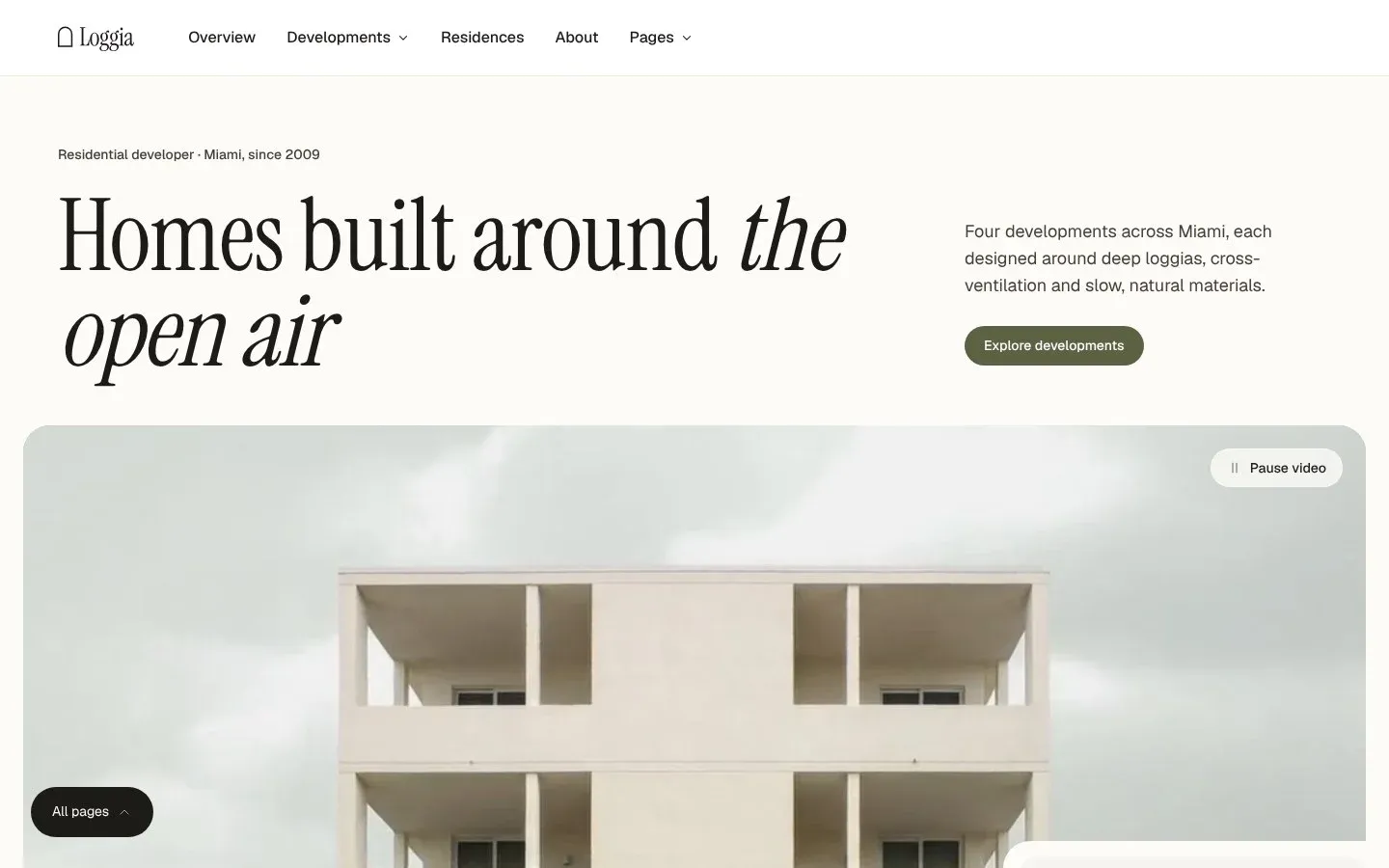
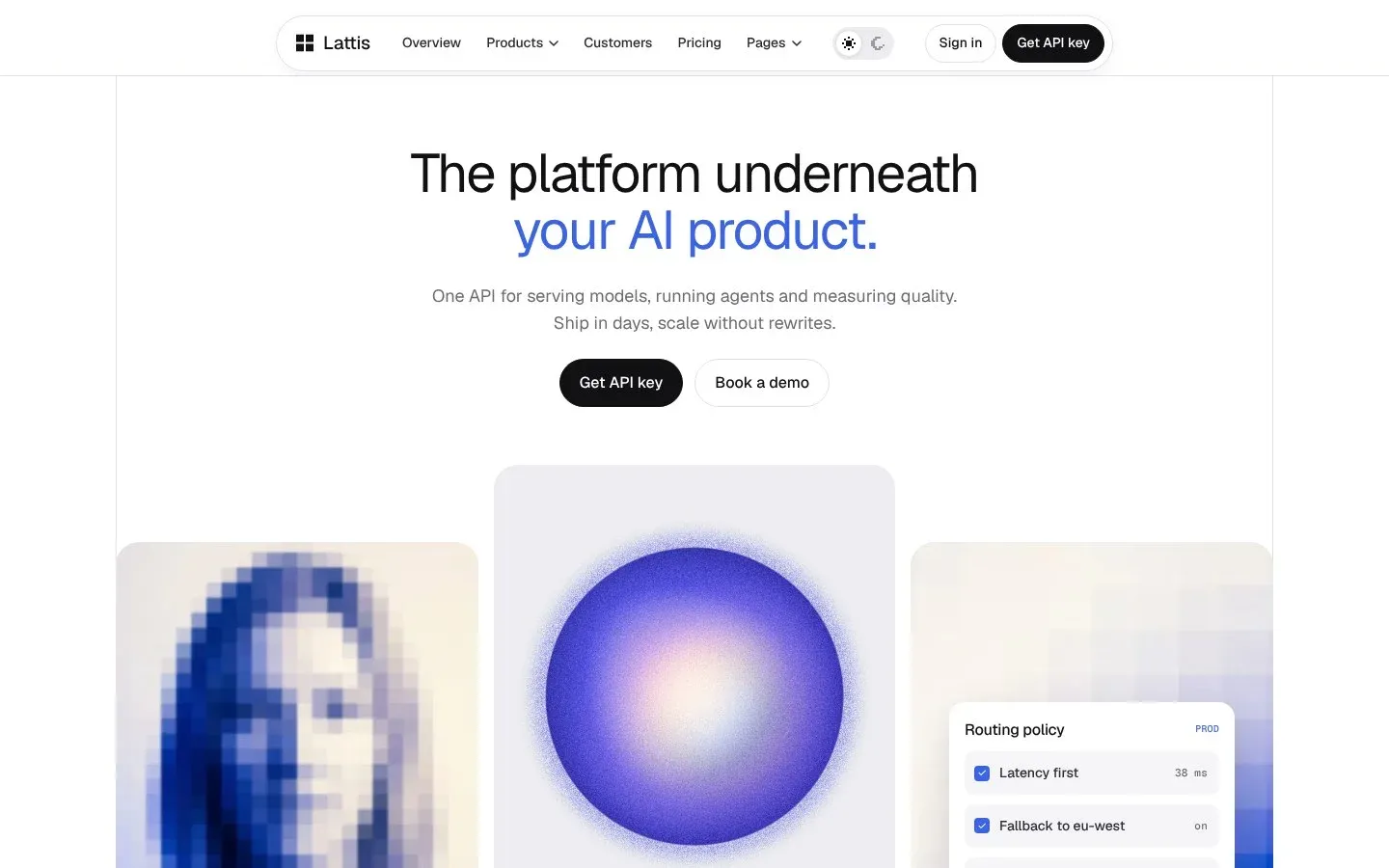
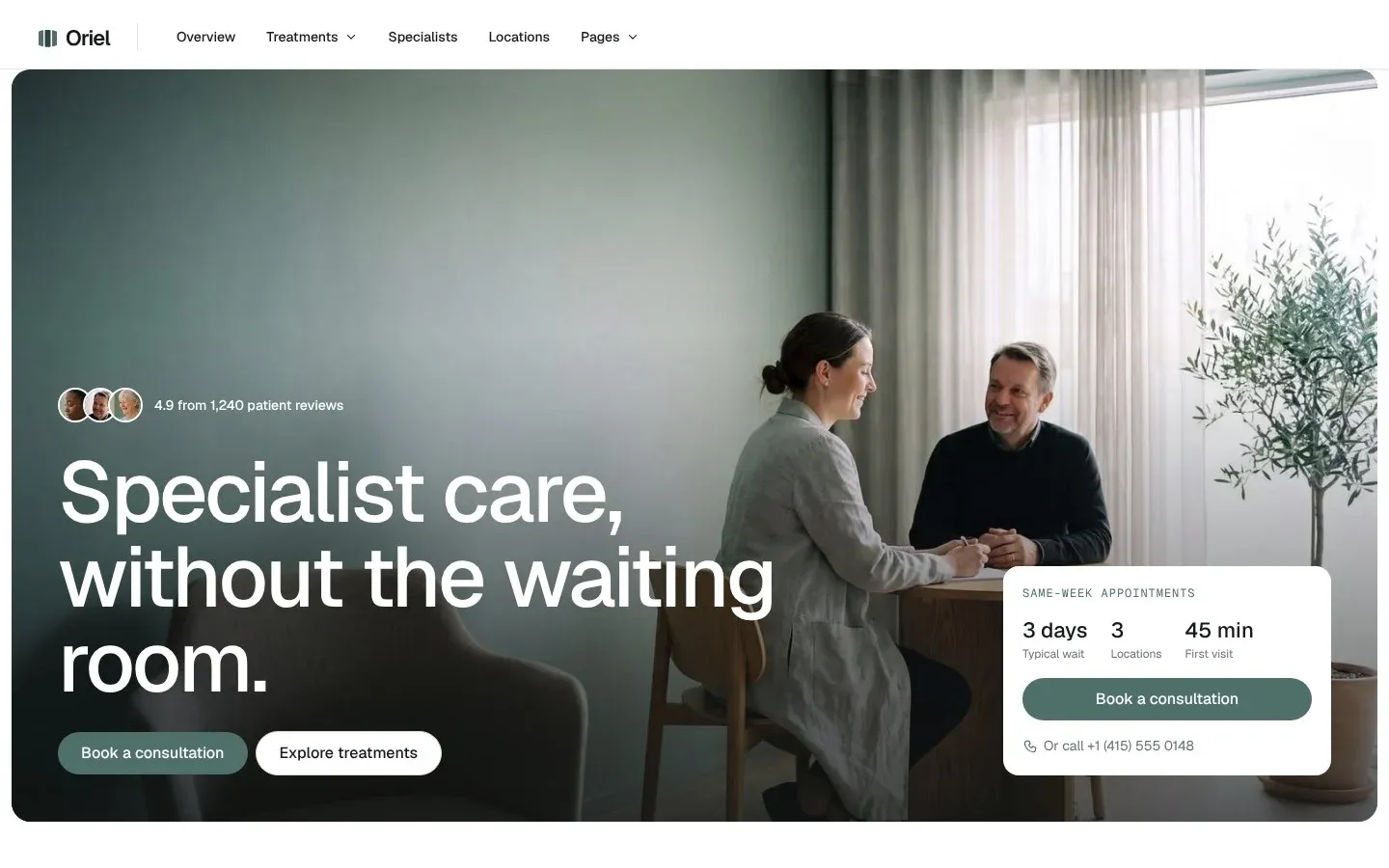
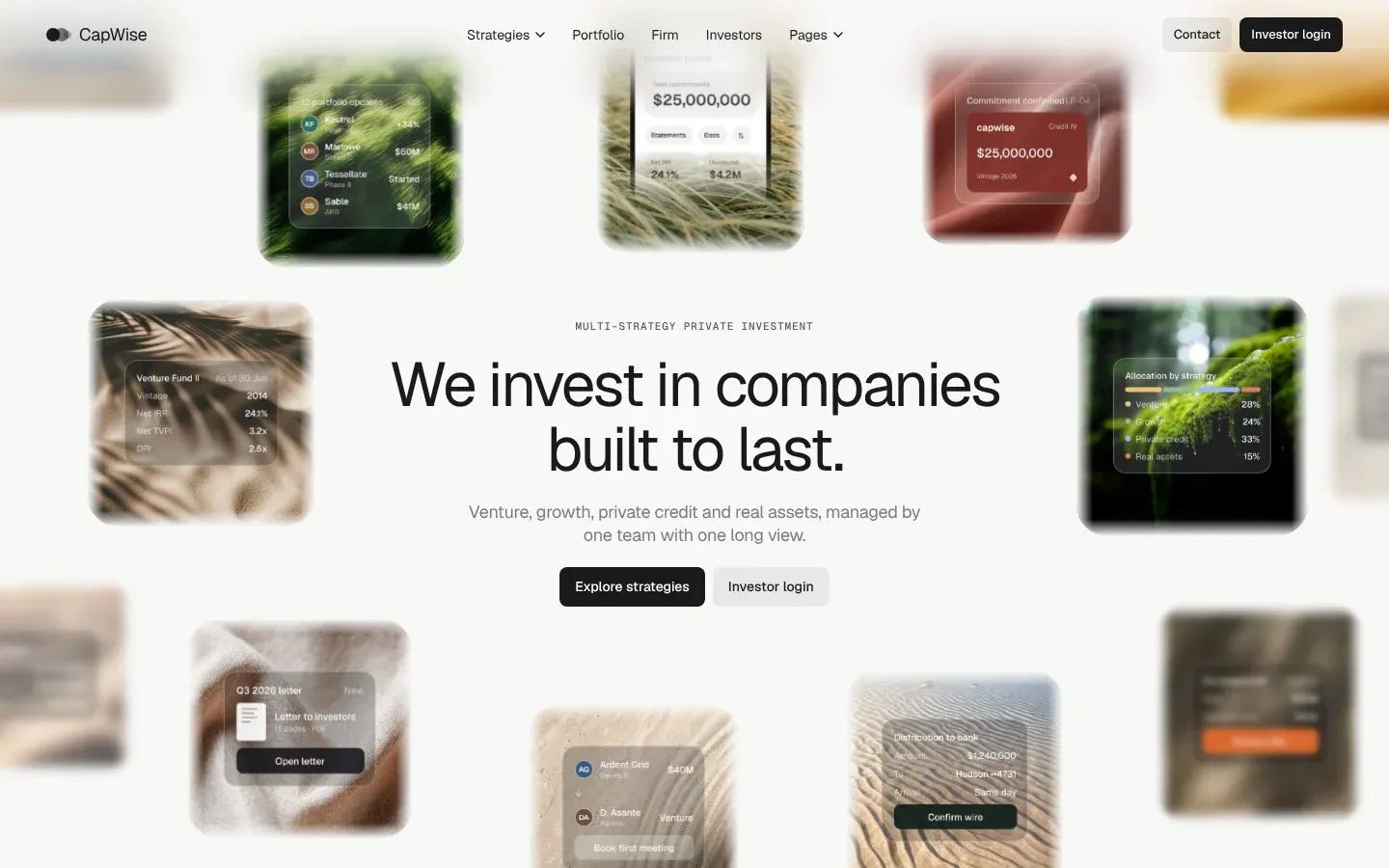
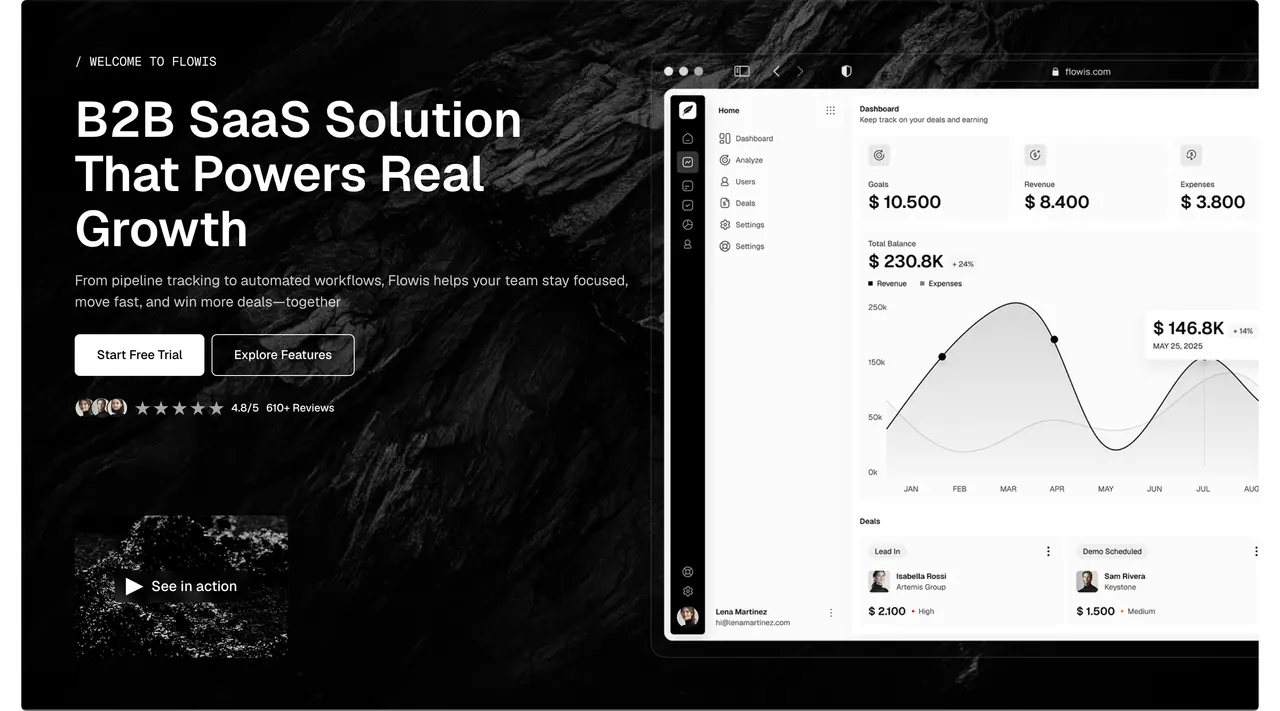
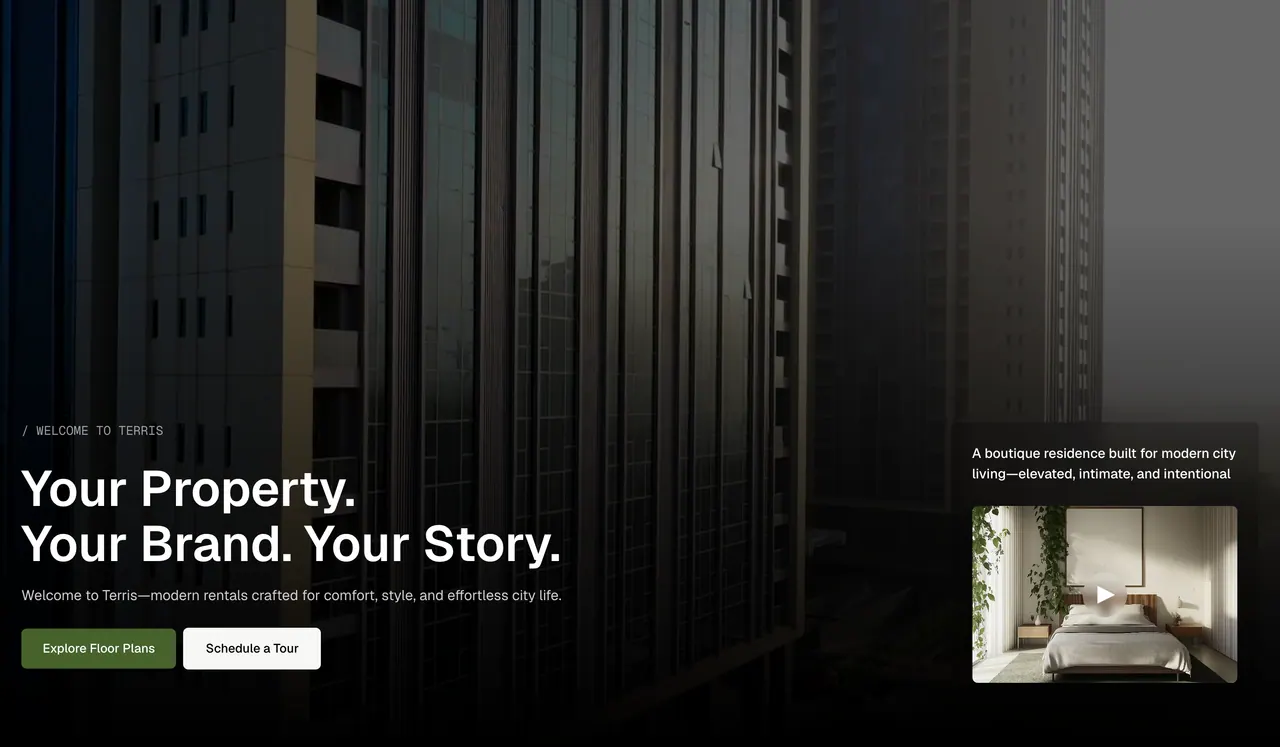
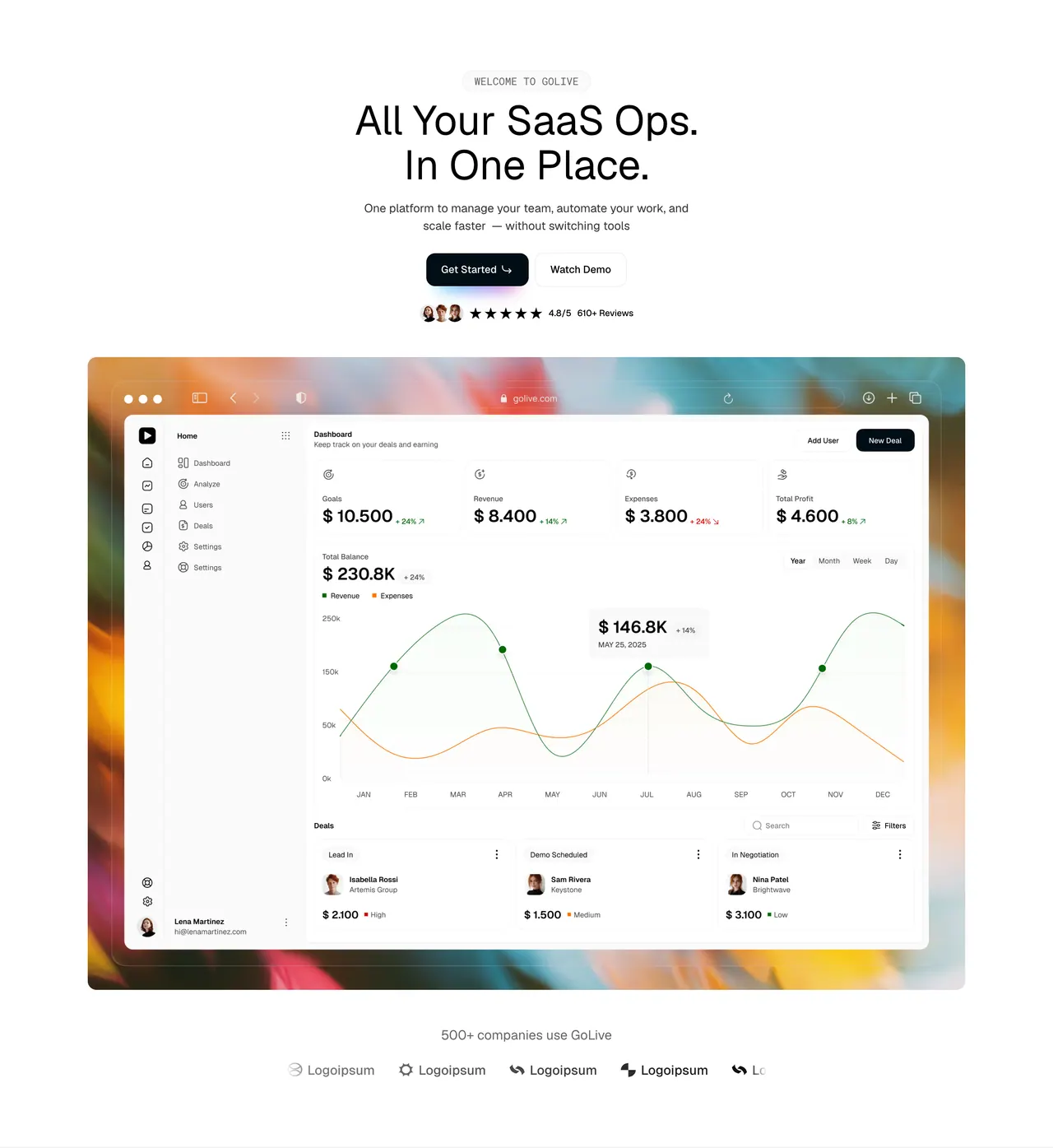
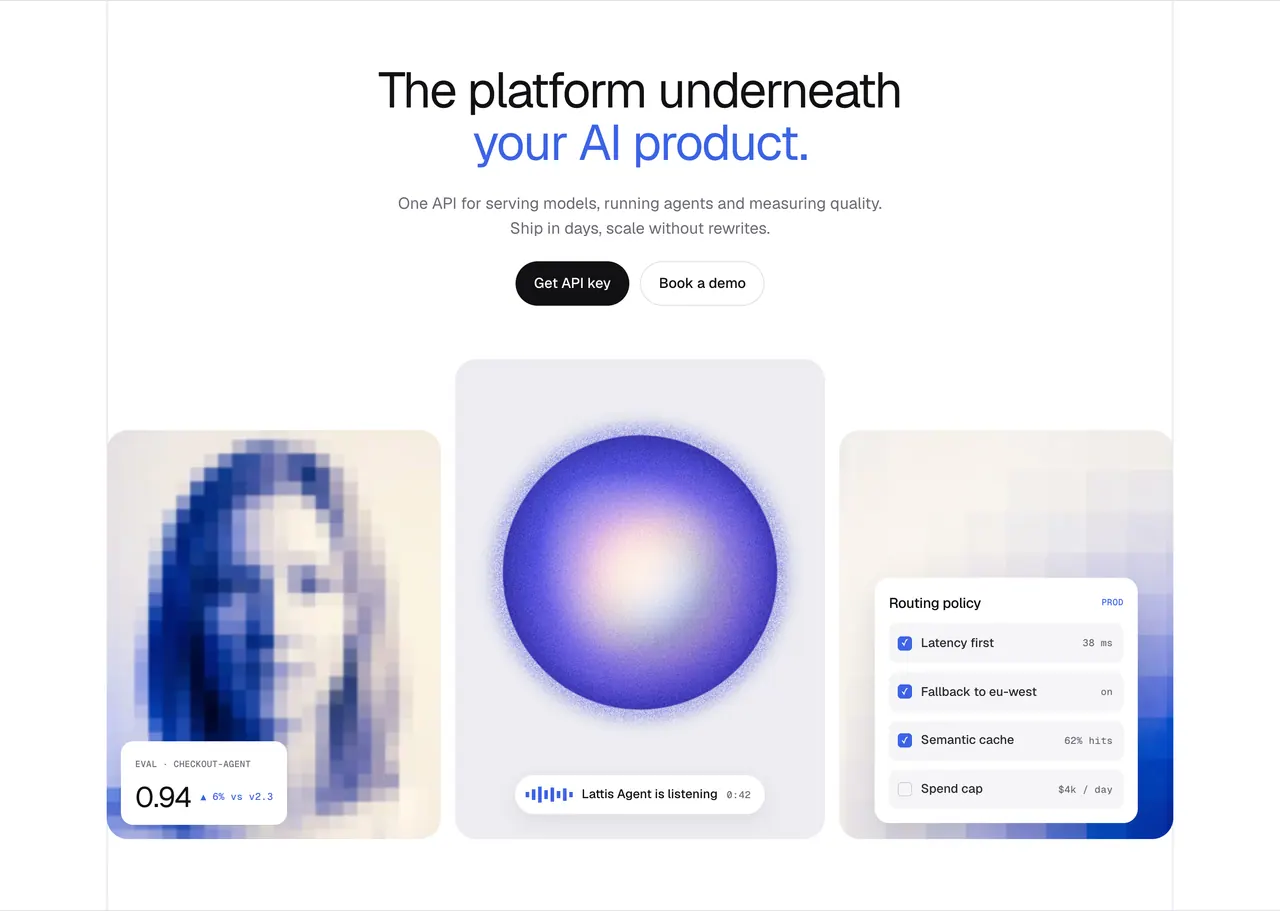
The Loonis sections library shows the over 1,900 website sections every Loonis site and template is built from. Browse them by type and industry, and use any of them on your own site in Loonis.
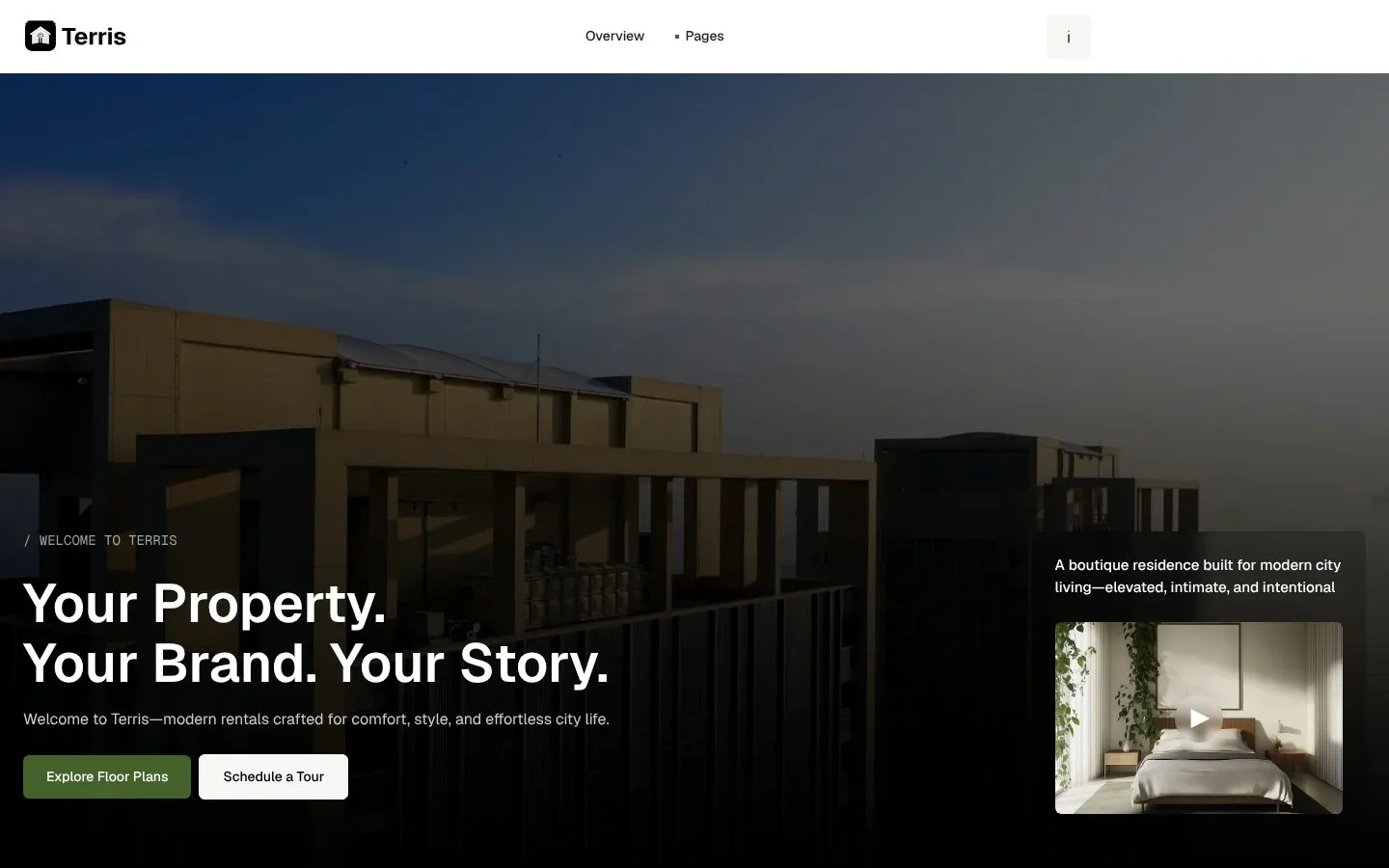
Browse the library
Find the right section for your site.
Pick a type and your industry. Every section is designed by people and tested on desktop, tablet and phone.
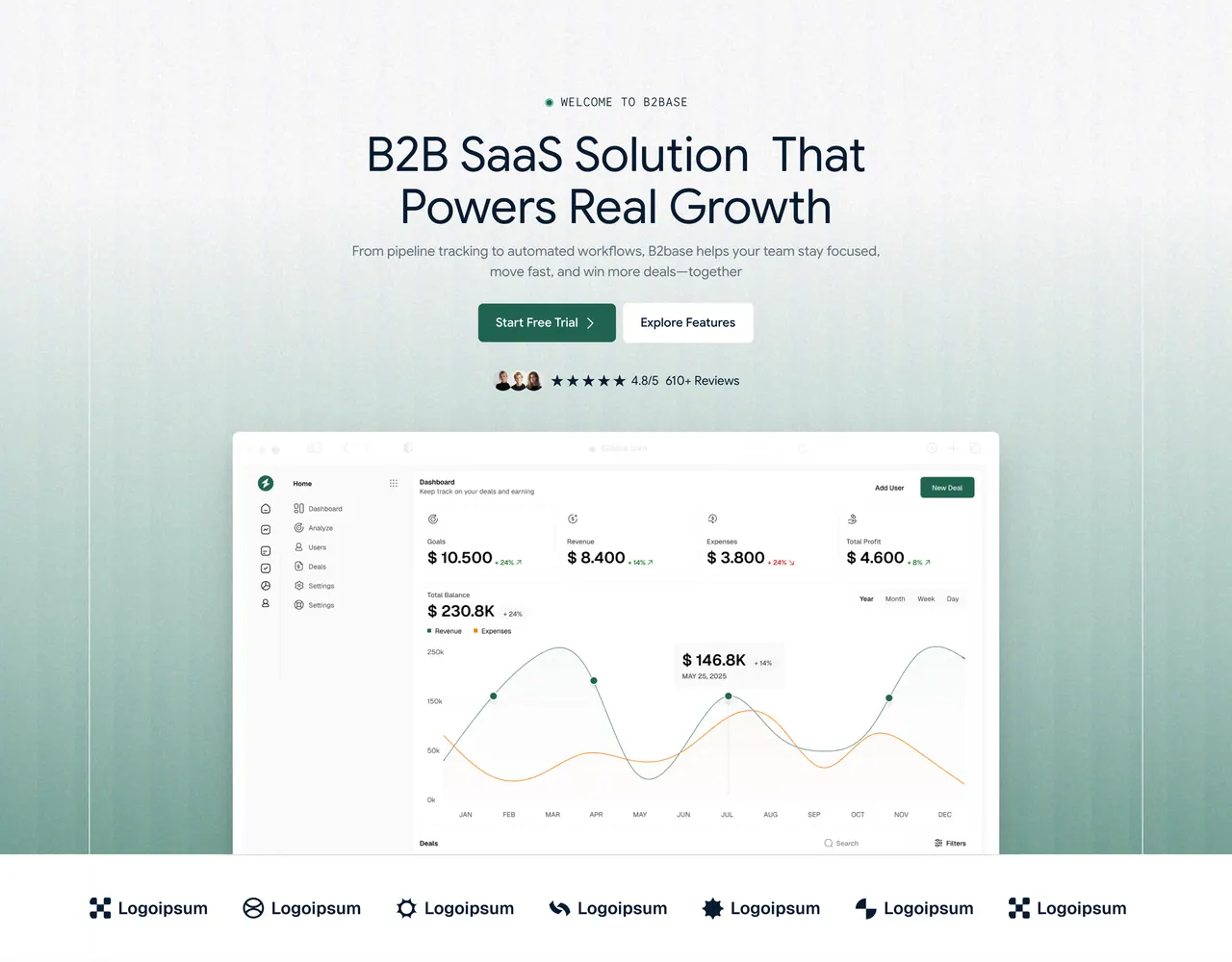
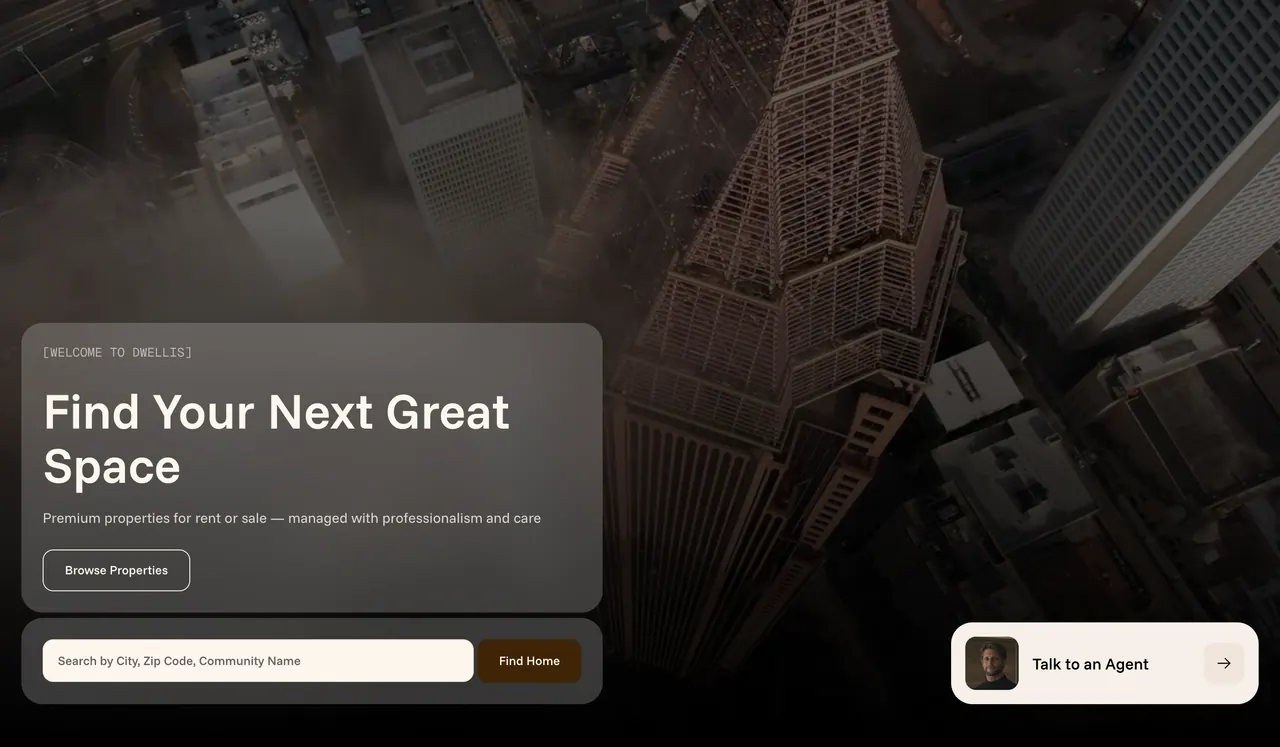
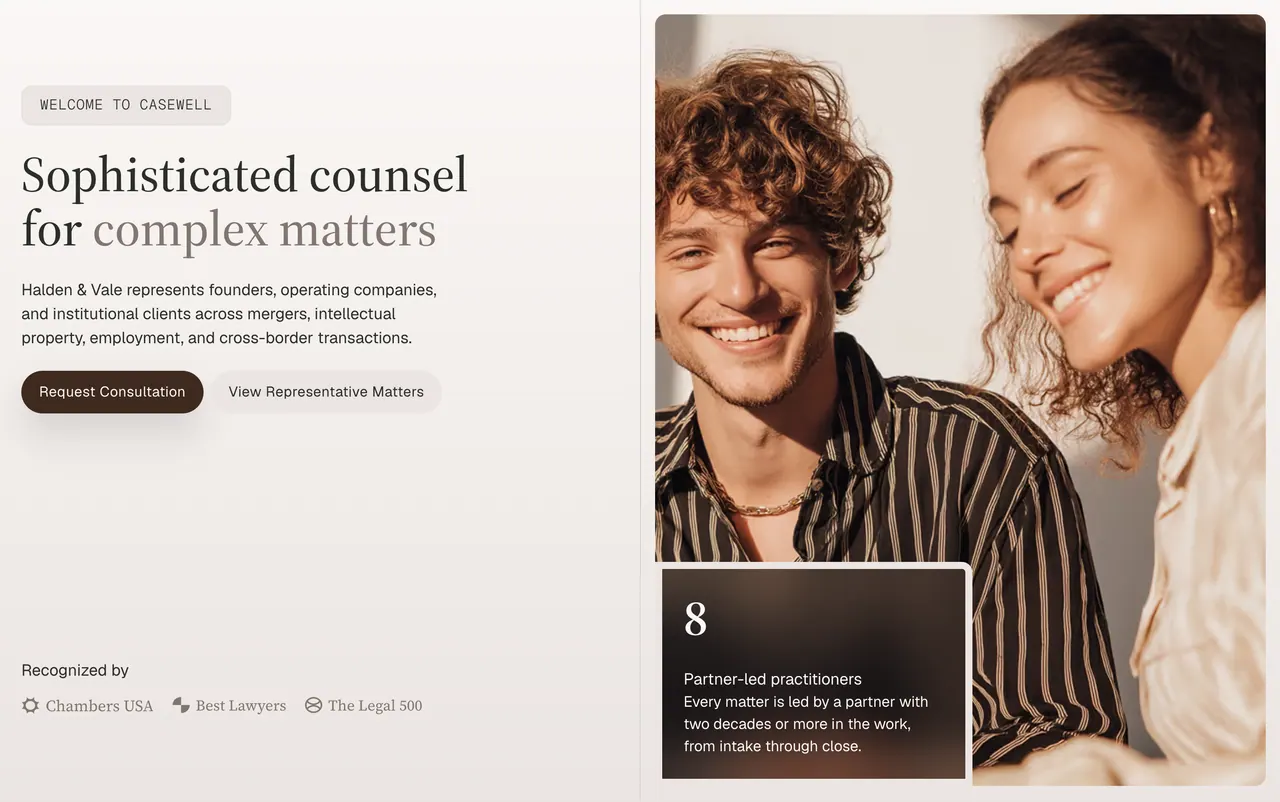
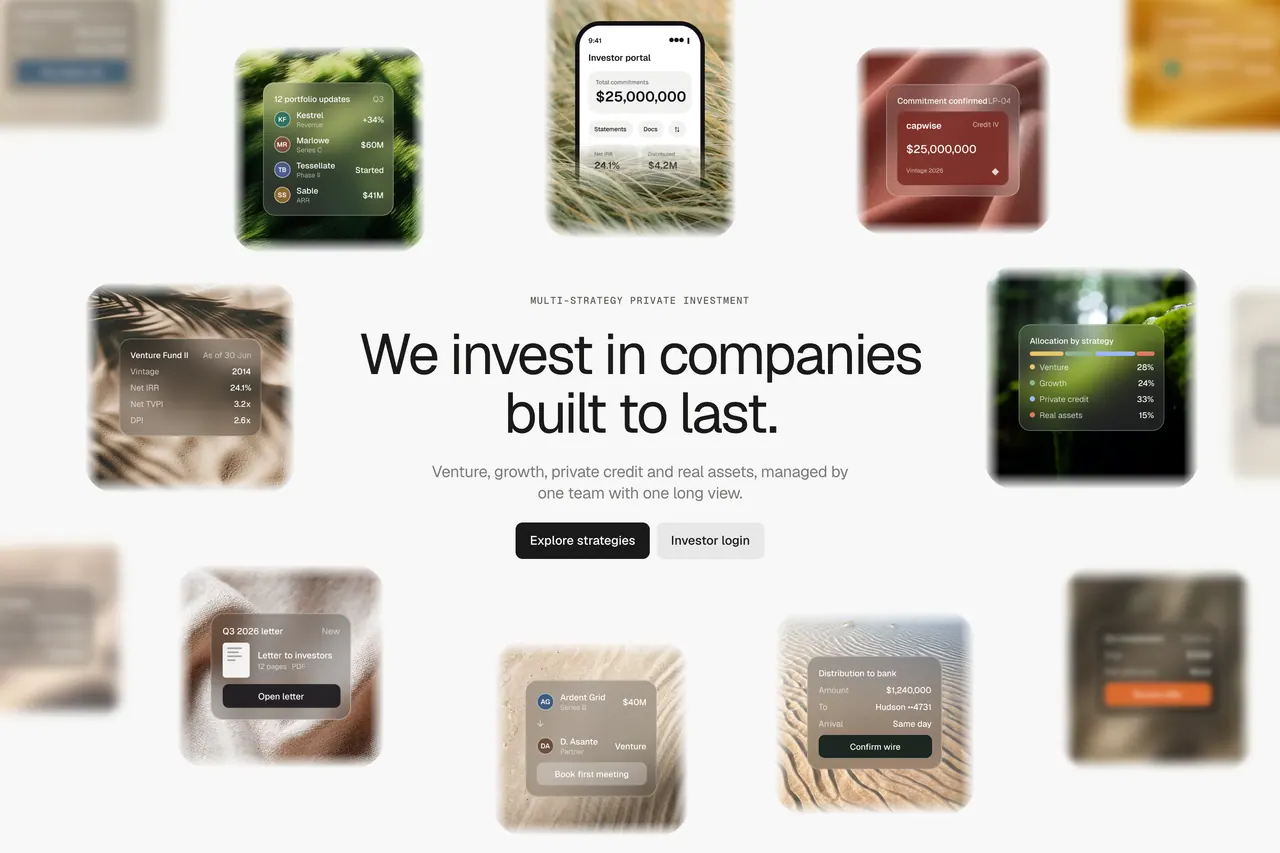
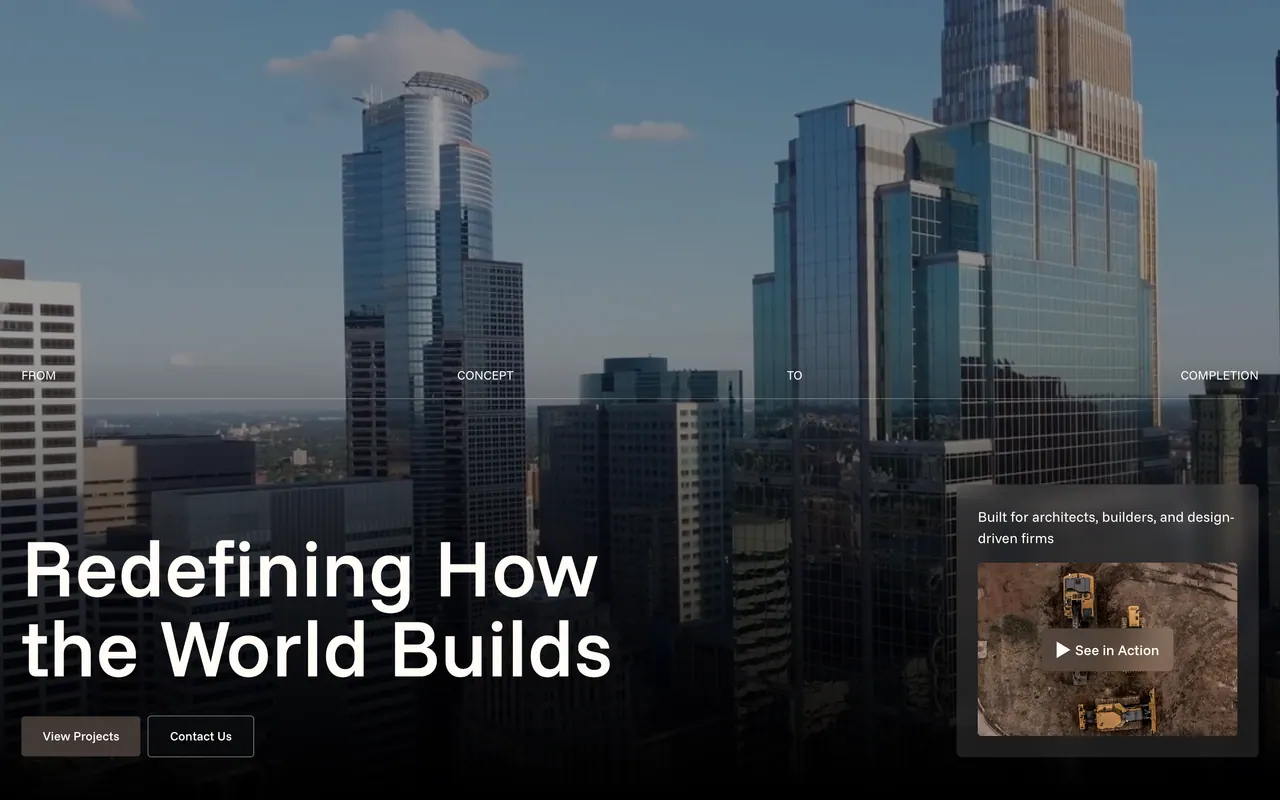
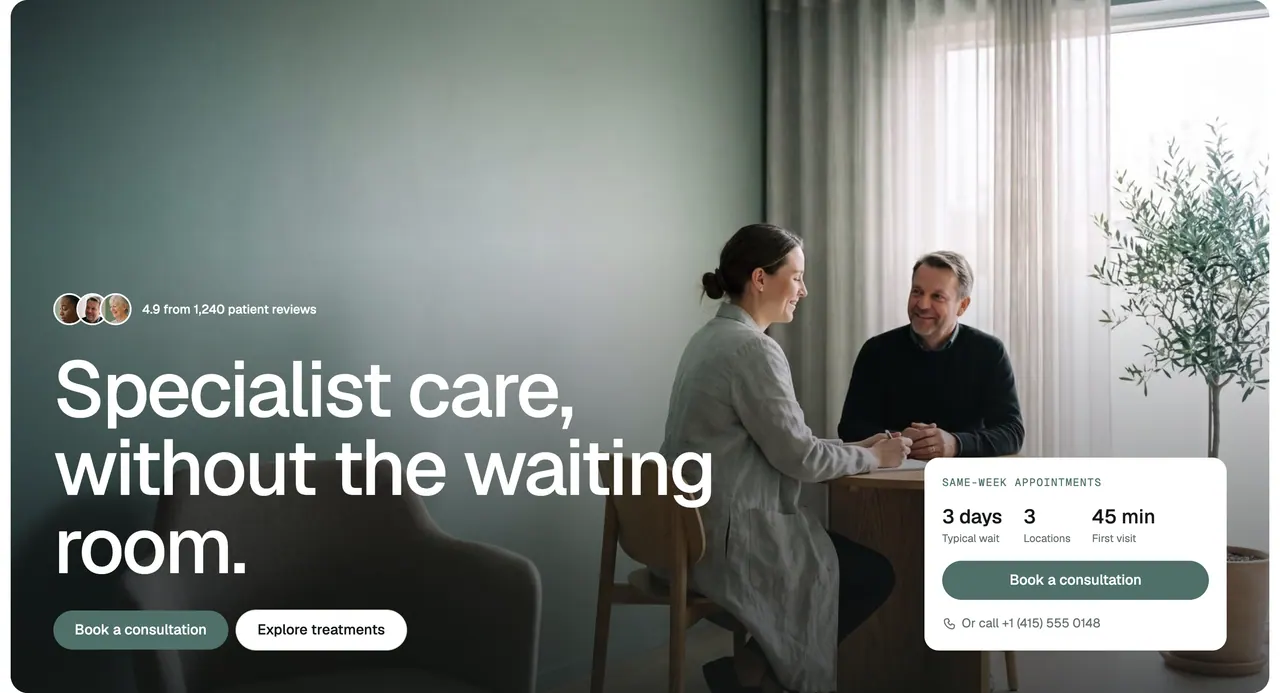
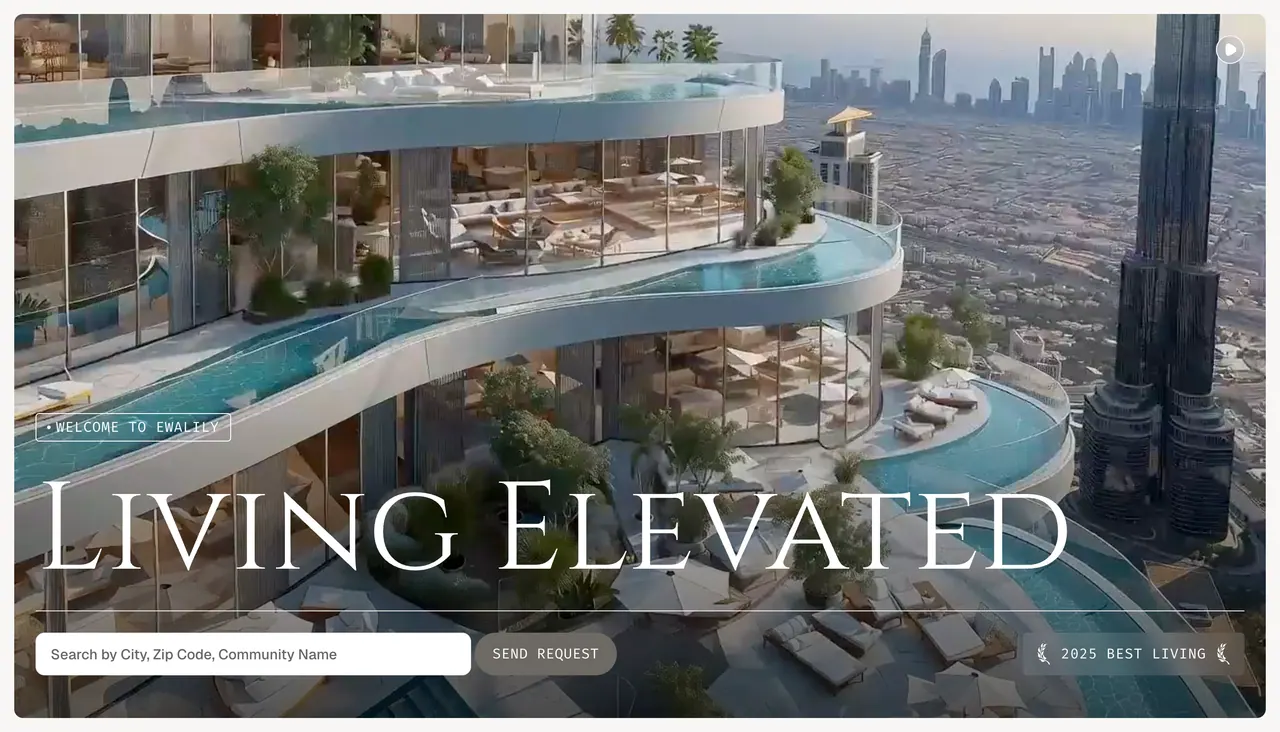
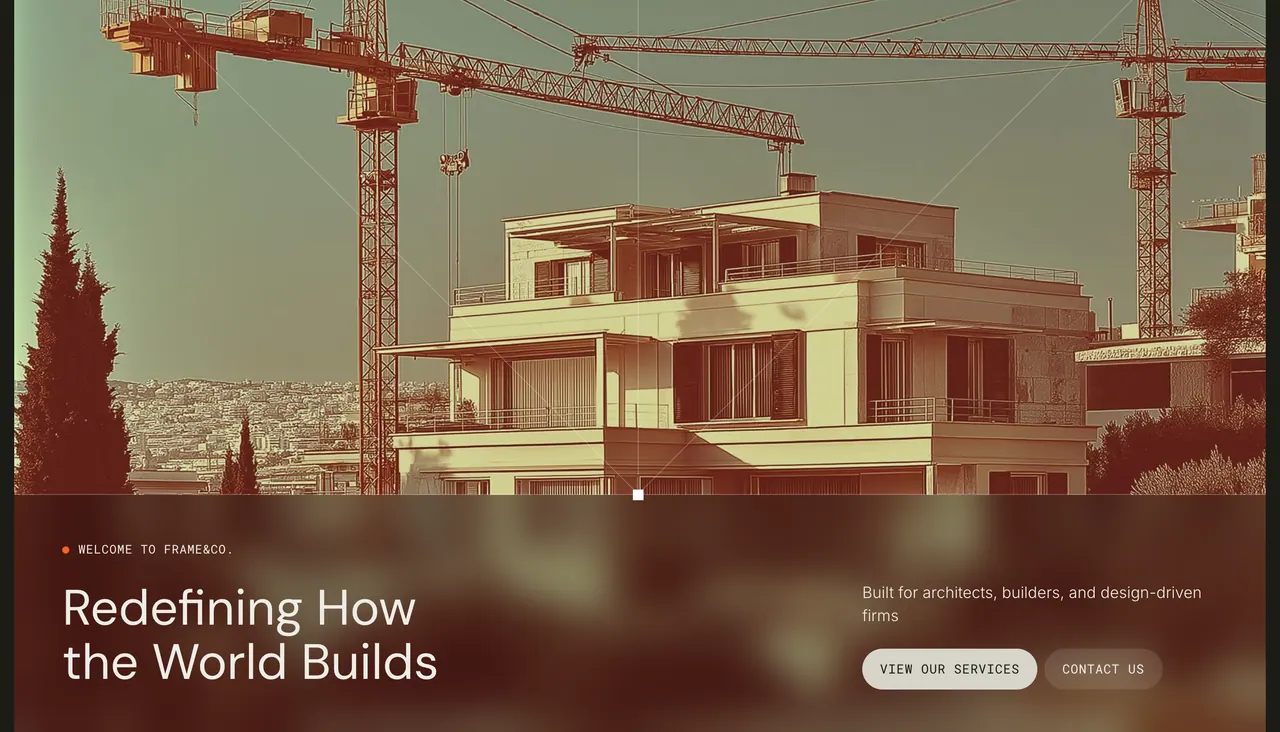
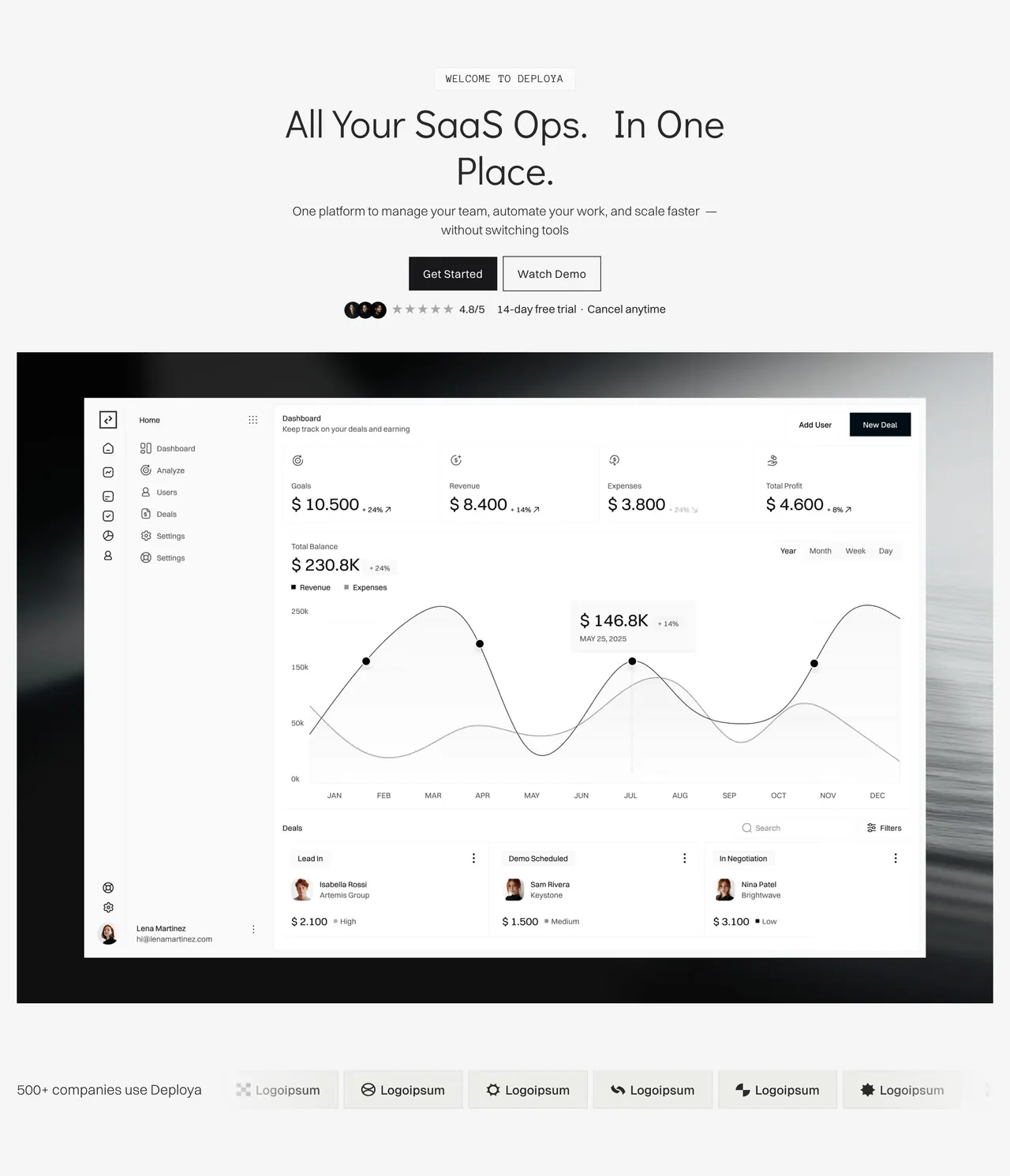
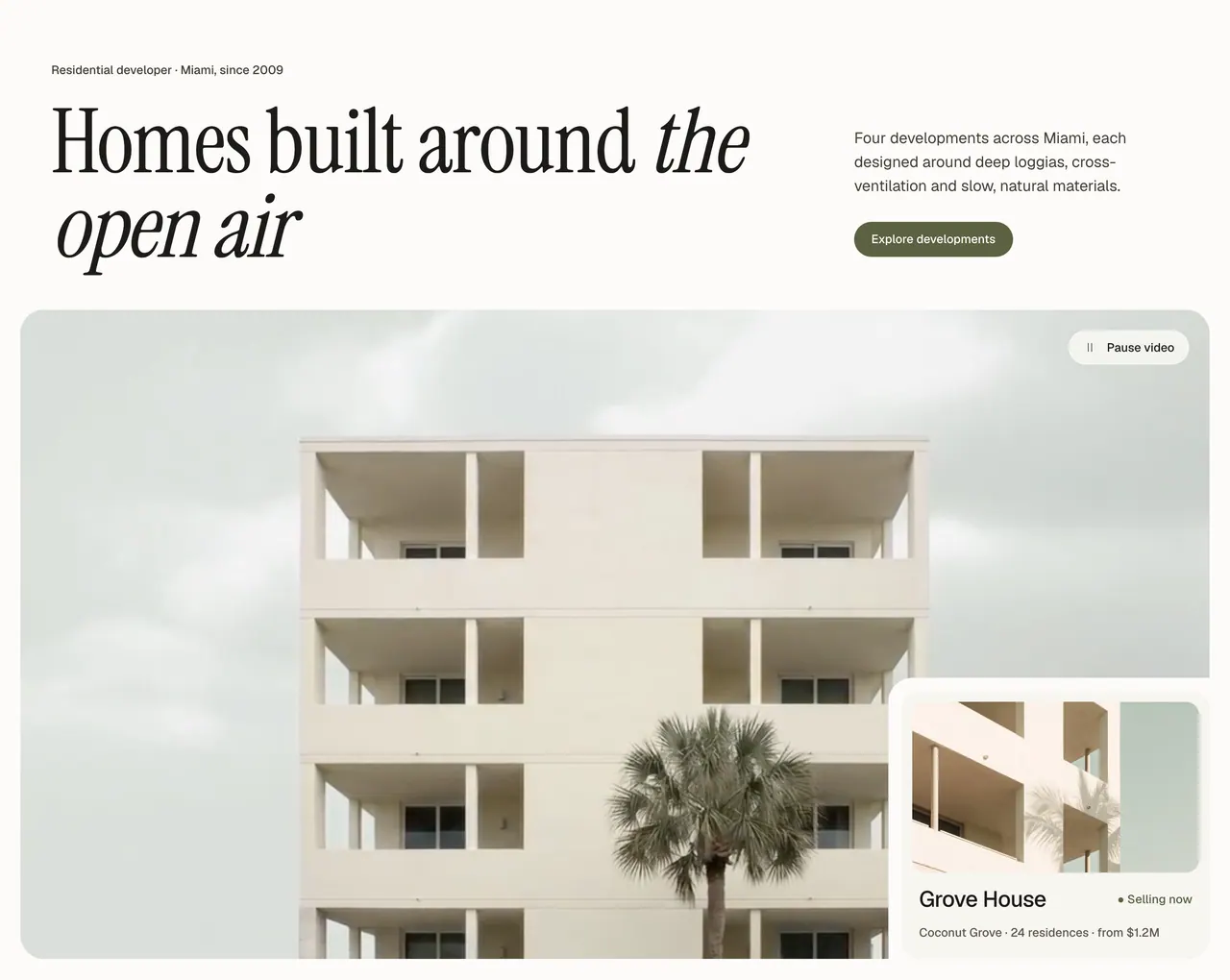
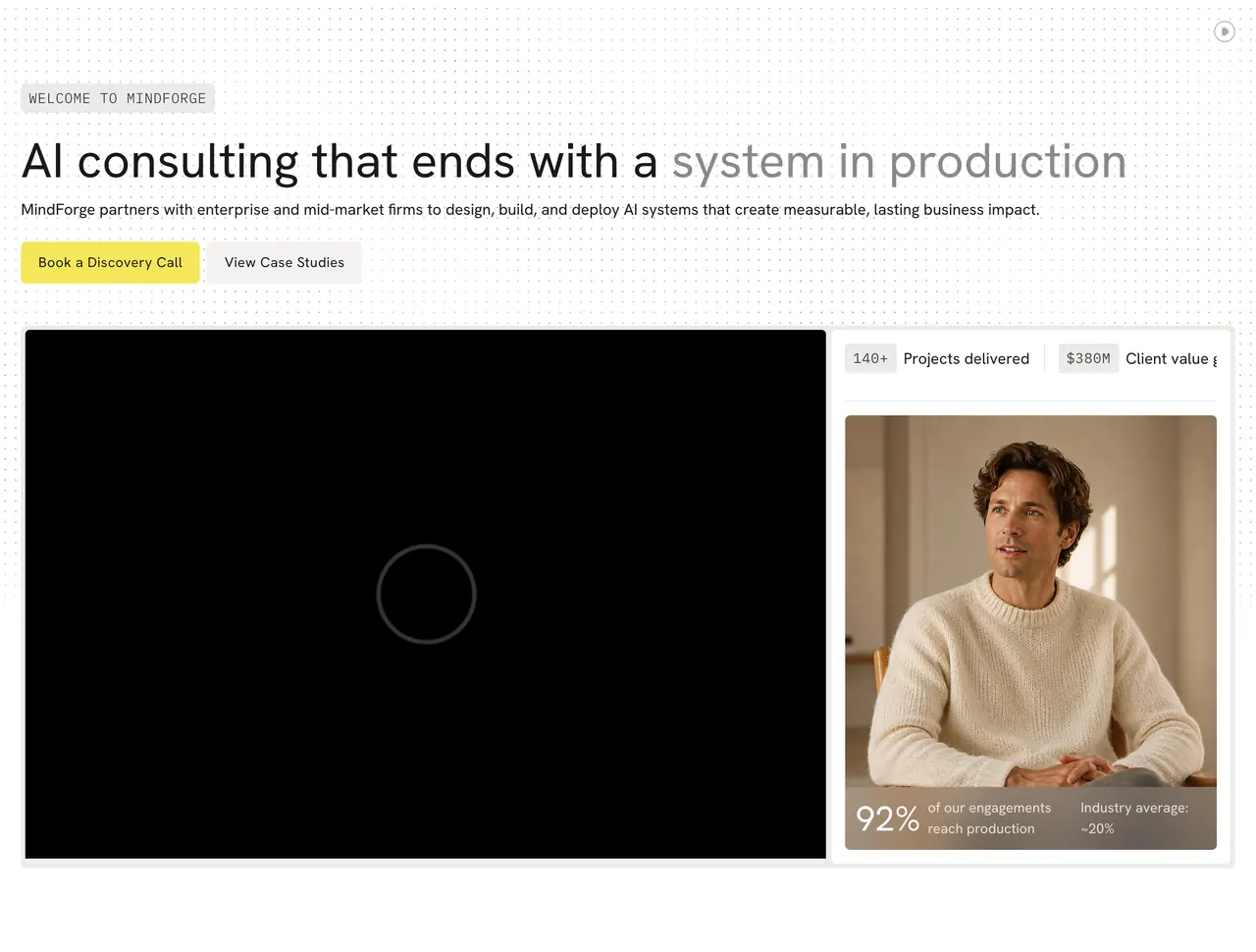
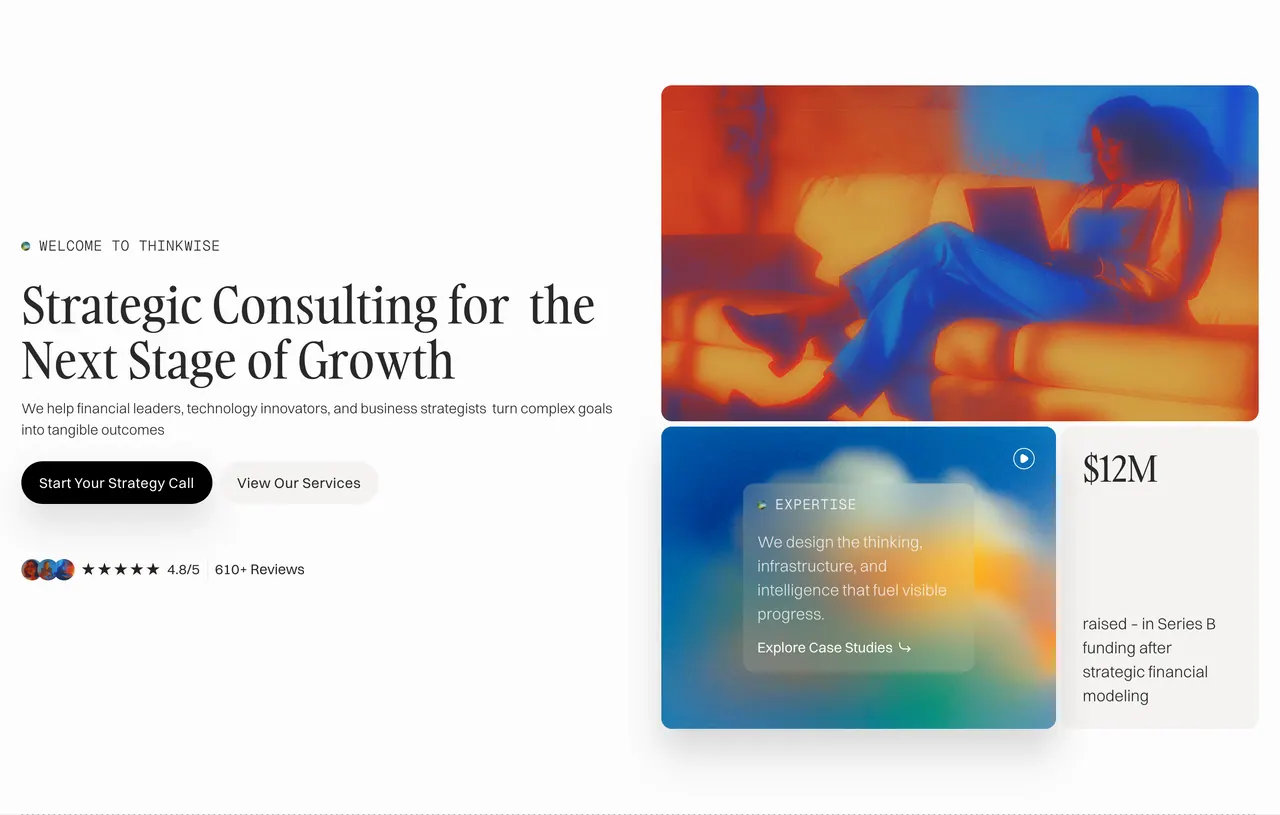
370 hero sections








How to use a section
Use any section in three steps.
Sections live in the Loonis editor. Add one or swap one, and your content moves in.
-
Build your site in Loonis.
Start free and build your site in Loonis.
-
Add or swap a section.
In the editor, add a section or swap one for another layout of the same kind.
-
Your content moves in.
Your text and photos move into the new layout.
Want to use sections in your own code or AI tools? That's coming later.
Website section questions.
Contact usWhat is a website section?
A website section is one block of a page, like a hero, a pricing table or a team section. Loonis has over 1,900 sections designed by people, and every Loonis site and template is built from them, tested on desktop, tablet and phone.
What types of sections are there?
Twenty. The Loonis library has heroes, features, timelines, intros, team, testimonials, pricing, FAQ, stats, logos, process, gallery, listings, detail pages, locations, blog, contact and forms, calls to action, newsletters and comparisons. Pick a type in the catalog to see every layout of it, filtered by your industry.
Can I see sections for my industry?
Yes. Filter the Loonis sections library by industry: startups, real estate, consulting, investment, construction or medical. Each section card names the template it comes from and links to it, so you can see the section in a full site before you start building.
Can I copy a section's code?
Not at launch. The Loonis sections library is look only: each section is shown as an image and links to Use this in Loonis. Using sections directly in your own code or AI tools is coming later. Join the AI tools waitlist to hear when it's ready.
Are the sections free to use?
Browsing the library is free. In the Loonis editor, adding a section is free from the library or 4 AI credits with AI, and swapping one uses 4. Your first site build is free, Free accounts start with 50 credits, Pro gets 250 a month and Premium 500.
Are the sections mobile friendly?
Yes. Every Loonis section is designed by people for desktop, tablet and phone, and tested on all three. When you add or swap a section in the editor, you can preview your page on each size before you publish, so nothing breaks on a phone.
Build your site from sections people designed.