




Website from your files
Turn your brochure into a website.
Loonis is an AI website builder that turns your brochure or other files into a website. Upload a brochure, a sales deck, a price list or your brand book, and Loonis builds a website from your own text, photos and colors, in a template designed by people for your industry.
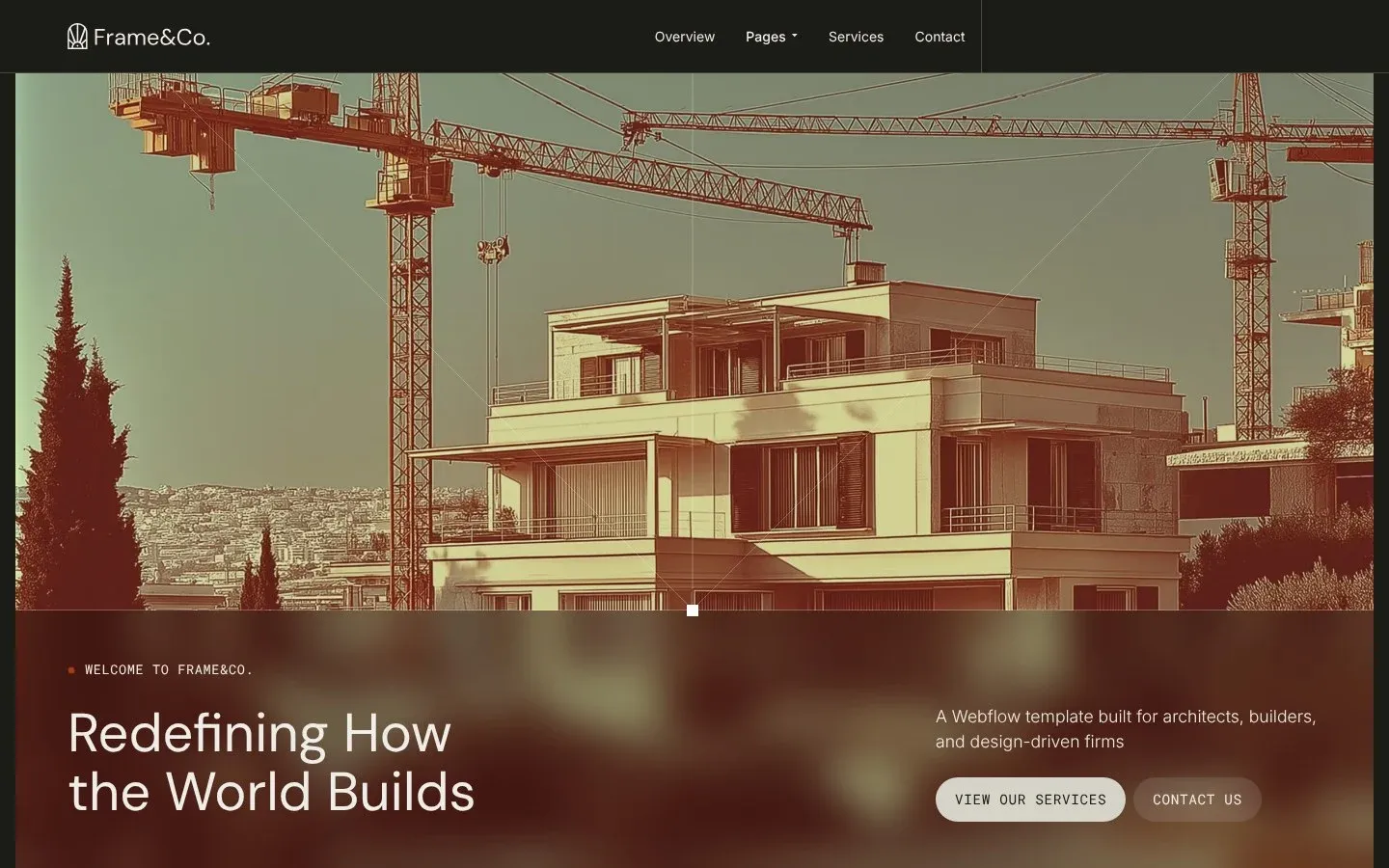
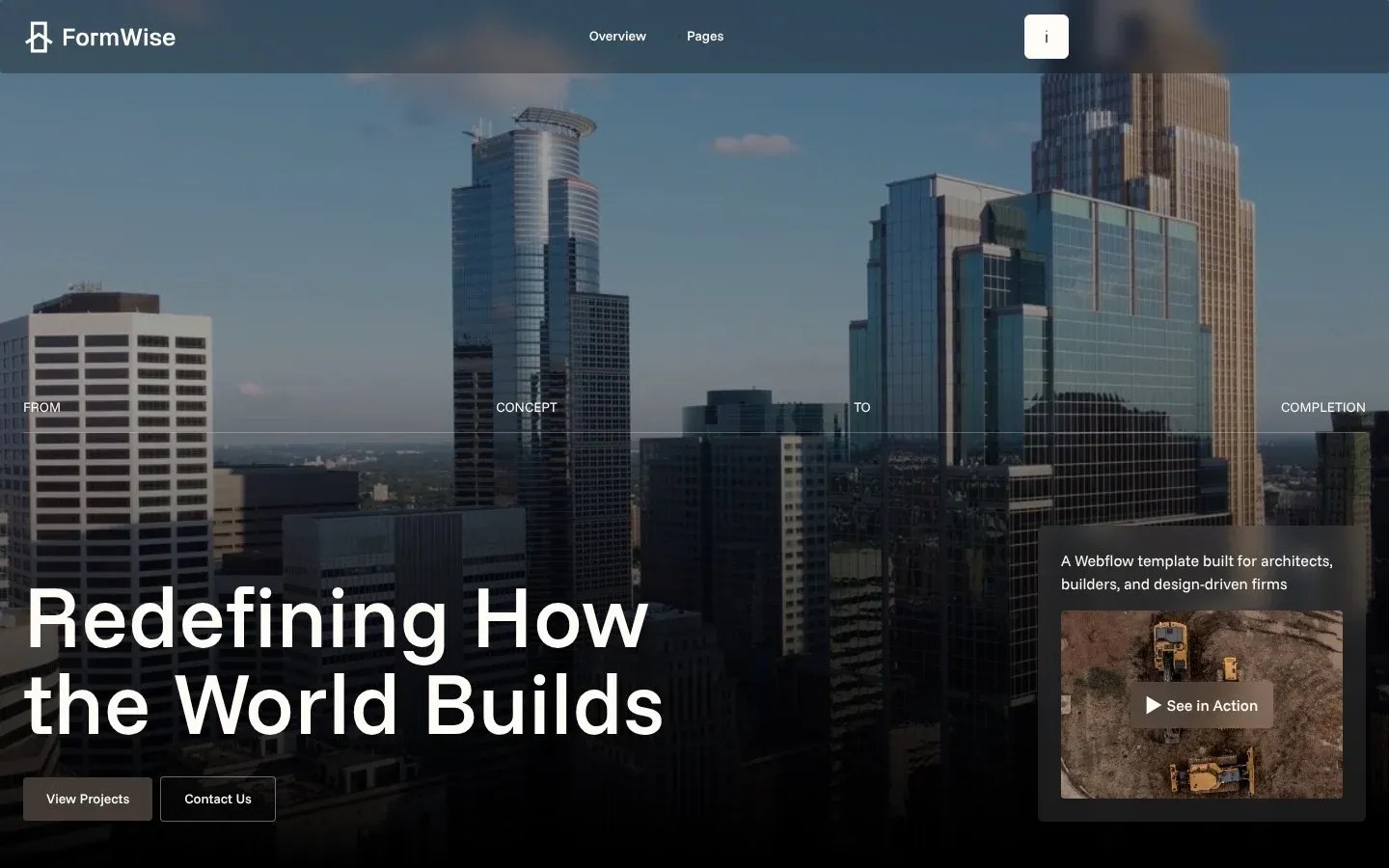
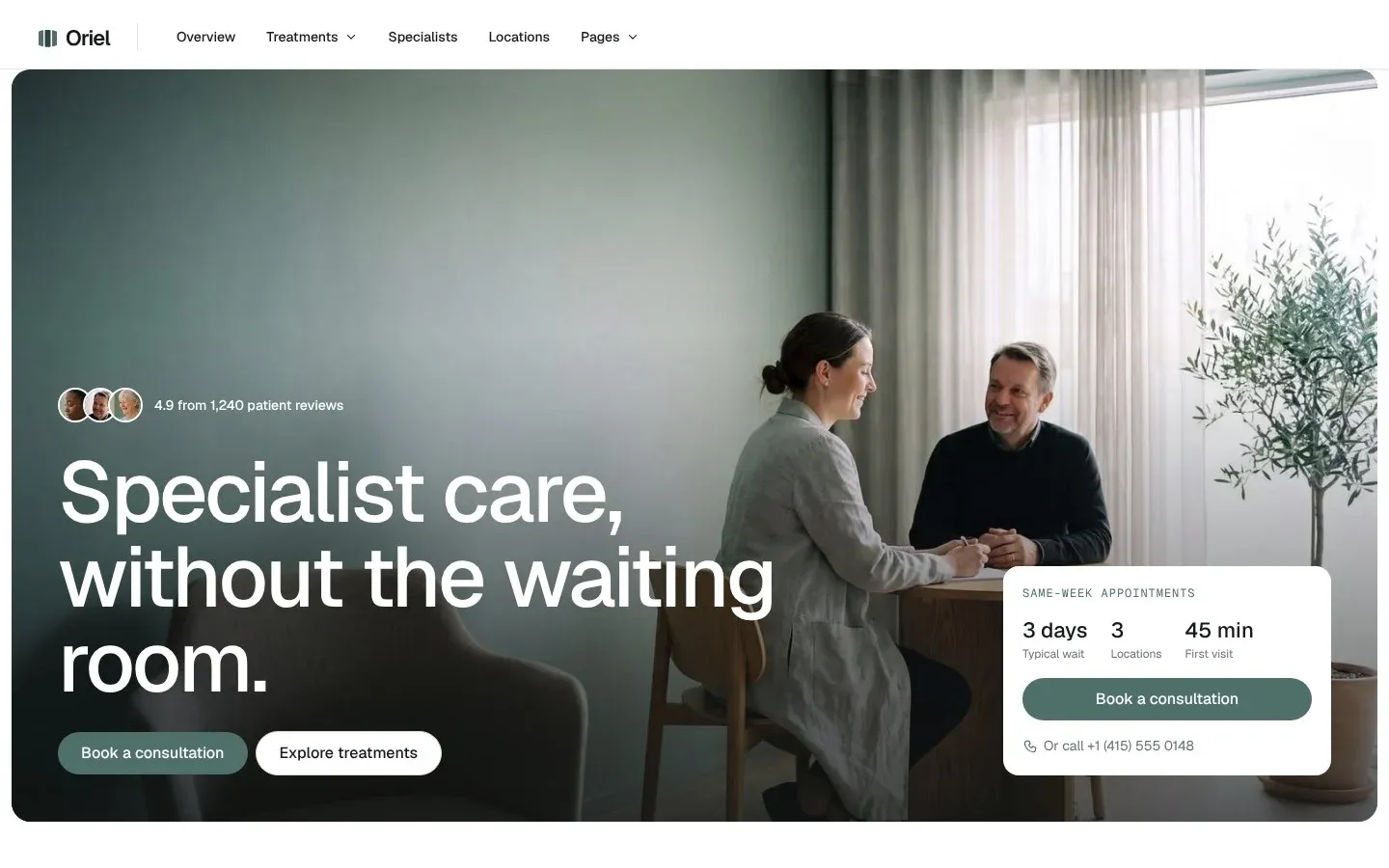
Left, the brochure we uploaded. Right, the site Loonis built from it.
What you can upload
Bring the files you already have.
Up to 10 documents and 30 photos, 50 MB in total. Add your website too, if you have one. In the app, choose "Give us your content" after you pick your template.
-
Brochures and documents
PDF and Word.
-
Presentations
Sales decks and slides.
-
Your brand book
We take your logo and brand colors from it.
-
Photos
Your own images of your work, team or place.
What happens to your files
Built only from your facts.
Four rules Loonis follows with your files. Nothing is made up.
-
We read everything first.
Pages, services, facts, photos, logos and colors.
-
We plan the site.
Pages from what your files describe, plus the pages your industry needs.
-
We build only from your facts.
If two files disagree, like two prices, we use the newest and ask you to confirm.
-
Brand book wins.
For logo and colors, your brand book comes before anything else.
When two files disagree, you confirm on your Launch checklist, with both values shown.
Other ways to start
Start another way.
Have a website, or prefer your own AI tool? Pick another way.
-
Have a website?
Paste your current site and Loonis rebuilds it in your new template, with your content.
-
No files yet?
Describe your business and answer a few questions in the chat.
-
Prefer your own AI tool?
On Pro and Premium, connect Claude Code, Cursor, Codex or another MCP tool to your site.
Website from your files questions.
Contact usCan I create a website from a PDF?
Yes. Upload your PDF brochure or document and Loonis builds a website from its text, photos and brand colors, in a human-designed template for your industry. You can add more files, like a deck or brand book, and your website if you have one.
What files can I use?
PDF, Word and PowerPoint files, up to 10 documents and 30 photos, 50 MB in total. Add your brand book and current website too, if you have one, and Loonis builds from all of it.
Can I use my website and my files together?
Yes. Add your current website along with your brochures, decks and photos, and Loonis builds from all of them. Wording comes from your website first, with extra detail from your files. For prices, hours or phone numbers, the newest source wins, and real conflicts go on your Launch checklist.
Do I need a brand book?
No. A brand book helps, but you don't need one. Loonis takes your logo and colors from your brand book first, then from an uploaded logo, then from your website. With no logo at all, your business name shows as text, and you can add a logo any time.
What if my files disagree?
Loonis uses the newest source and asks you to confirm. It adds a Launch checklist item that shows both values, for example two different prices, and never picks a price or date for you silently. For your logo and colors, your brand book always comes first.
Will AI make up content my brochure doesn't have?
No. Loonis builds only from your files. Where a section needs a fact you didn't give, like a price or a license number, the section is left out, or the fact is marked on the page and listed on your Launch checklist for you to confirm.
Your brochure is already a website. Let's build it.