Financial advisor website builder for advisory firms and planners.
Loonis is a financial advisor website builder that builds your site from your own service guides, brochures or current site, in templates designed by people for advisory firms. Your services, your client stories and your fees each get a clear place, and nothing on the site promises growth or returns. Edit by chat, publish in minutes.
Each service and the clients it is for, in plain words.
Show how you work.
Your process, your team and the certifications you confirm.
Make the first call easy.
A consultation button on every page, to your booking tool or a request form.
Templates
Financial advisor website designs, made by people.
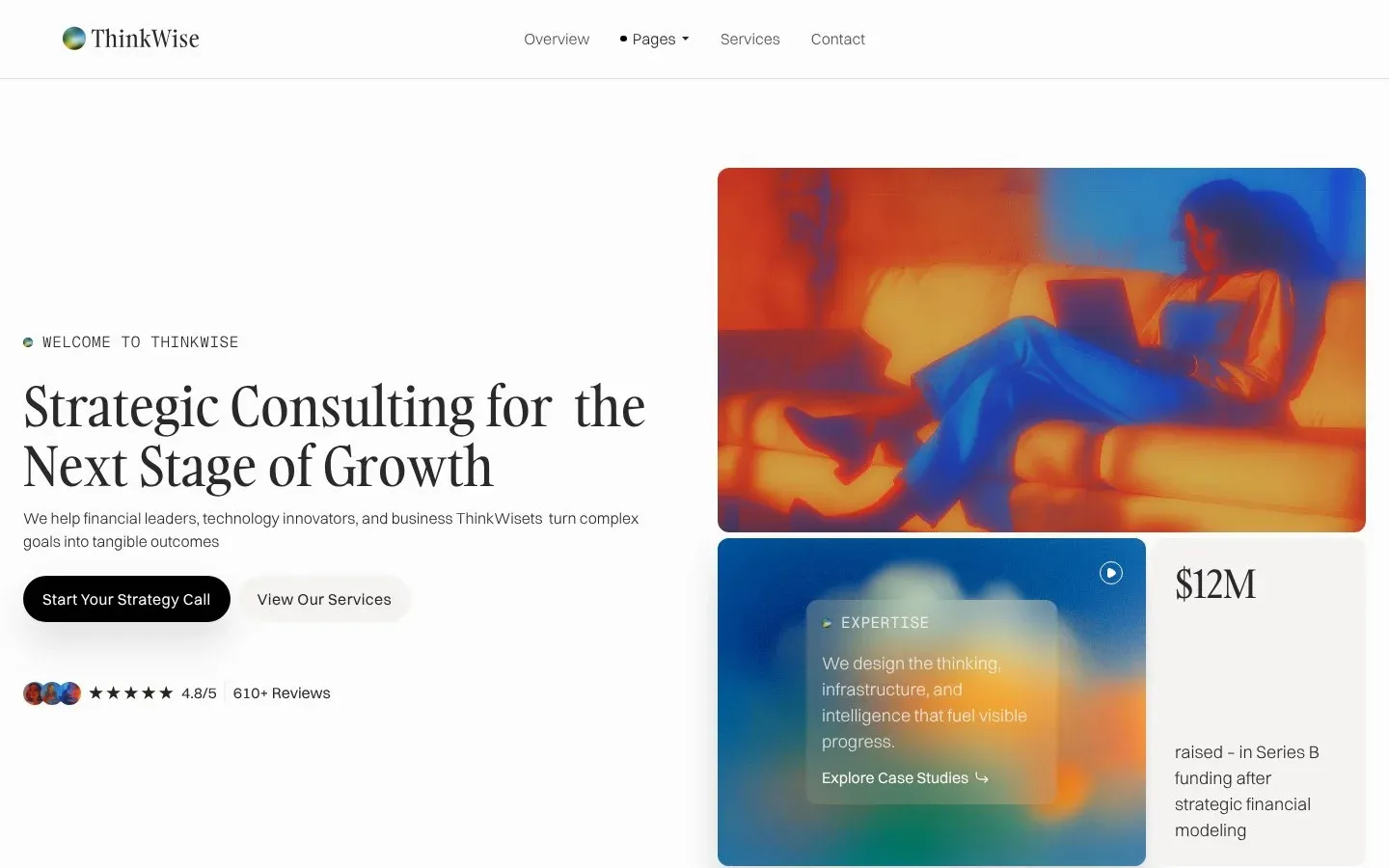
Each template comes with three home page layouts. Strategis names financial advisors in its own brief; ThinkWise fits advisory practices and independent consultants.
Strategis
For strategy consulting firms and financial advisors. Services, client stories and pricing.
Loonis suggests your pages from your current site, your files or a few lines about your firm. Strategis is built around these:
Services. One card per service, with who it is for.
Customers. A collection: one page per client story you are allowed to share.
Pricing. Your plans or fees, if you publish them.
About. Your firm and your team, in three layouts.
Blog. Your articles and guides.
Contact. Your offices, phone and a consultation request form.
ThinkWise has the same core: Services, Case studies, Pricing, Blog and Contact. Don't need one? Leave it out when you pick your pages.
Your page plan
5 pages
HomeFound on your website
ServicesFound on your website
CustomersFound on your website
PricingFound on your website
BlogRecommended for consultingRecommended
Add a page
Fields on a Strategis service card
#
Field
What it shows
01
Number and title
Like "01 Financial Consulting"
02
Checklist
What the service covers
03
Who it's for
A "Who it's for" line
04
Outcome
An "Outcome" line
05
Button
A "Schedule Your Strategy Call" button to your contact page
Inside Strategis
What a service card and a client story show in Strategis.
In the Strategis demo, every service card shows:
Each client story page shows a headline figure, then Challenge, Solution, Company, Industry and Services. Pricing plans show a name, who the plan is for, a monthly price and "This plan includes". Loonis fills these from your materials. Client names, results and fees it can't find keep the sample text and go on your Launch checklist, and Outcome lines describe what you help with, never a promised result.
Chat
Tell us about your firm.
Fee-only financial planning for business owners and families.
Which pages do you need?
Services, client stories, pricing and contact.
What should your main button say?
Book a consultationSend an inquiryCall us
How you start
How do you start a financial advisor website in Loonis?
Pick Strategis or ThinkWise. Then give us your content: your current site, or your service guides, brochures and brand book, up to 10 documents and 30 photos, 50 MB in total. Loonis builds a page for each client story it finds. You can also start with a few lines about your firm, or connect your own AI agent on Pro and Premium.
Texts we suggest are a starting point, not legal advice.
We never guess your fees or results.
These come only from you. If one is missing, the template's sample text stays in its place and is listed on your Launch checklist:
Fees and plan pricesConfirm
Client names and logos (only clients who allow it)Confirm
Results in client storiesConfirm
Years of experienceConfirm
Certifications, like CFP or CFAConfirm
Photos.
We use the photos from your website and files. AI images are only for mood and background spots, never presented as you, your team or your clients, and they never contain charts or numbers.
Your services and who each one is for, an about page with your team and the certifications you confirm, client stories you're allowed to share and a clear way to book a consultation. Publish your fees if you want to. If you're registered, show your registration body and number, usually in the footer.
Does a financial advisor website need a registration number?
Usually, yes, if you're registered or regulated. Most firms show the body and number in the footer, for example "{business name} is registered with {body}, number {number}." Loonis doesn't add it for you, so add it by chat once you have the exact wording. Your regulator may have its own website rules, so check them too.
Does Loonis add a risk warning to my advisor website?
Not on Strategis or ThinkWise. They are consulting templates, so Loonis writes by the consulting rules: results only from you, real clients only and no promised growth or returns. If you write about investments, returns or funds, add your regulator's risk warning by chat, and check the wording with your compliance adviser.
Strategis or ThinkWise: which template fits my firm?
Strategis is made for strategy consulting firms and financial advisors, with services, client stories and pricing. ThinkWise fits consulting and advisory practices and independent consultants who show case studies and pricing plans. Both are templates designed by people, with three home page layouts, and both follow the same consulting rules.
Can I show my fees on my website?
Yes, if you want to. Strategis and ThinkWise both have a Pricing page for your plans or fees. Loonis uses only the fees in your materials. Any it can't find keep the sample text and go on your Launch checklist. Prefer to talk fees on a call? Leave the Pricing page out when you pick your pages.
How much does a financial advisor website cost with Loonis?
You can build it free. Free includes your first site build, 50 AI credits once and one published site on a loonis.app address, with no card needed. For your own domain, Pro is $29 a month, or $26 a month billed yearly, with 250 AI credits a month. Or add hosting to Free for $15 a month per site.