Real estate developer website builder for new-build homes.
Loonis is a real estate developer website builder that builds your site from your own brochures, price lists, floor plans or current site, in templates designed by people for developers. Each development and each residence gets its own page, with availability and a register interest form. Loonis writes by fair housing rules and never guesses your prices. Edit by chat, publish in minutes.
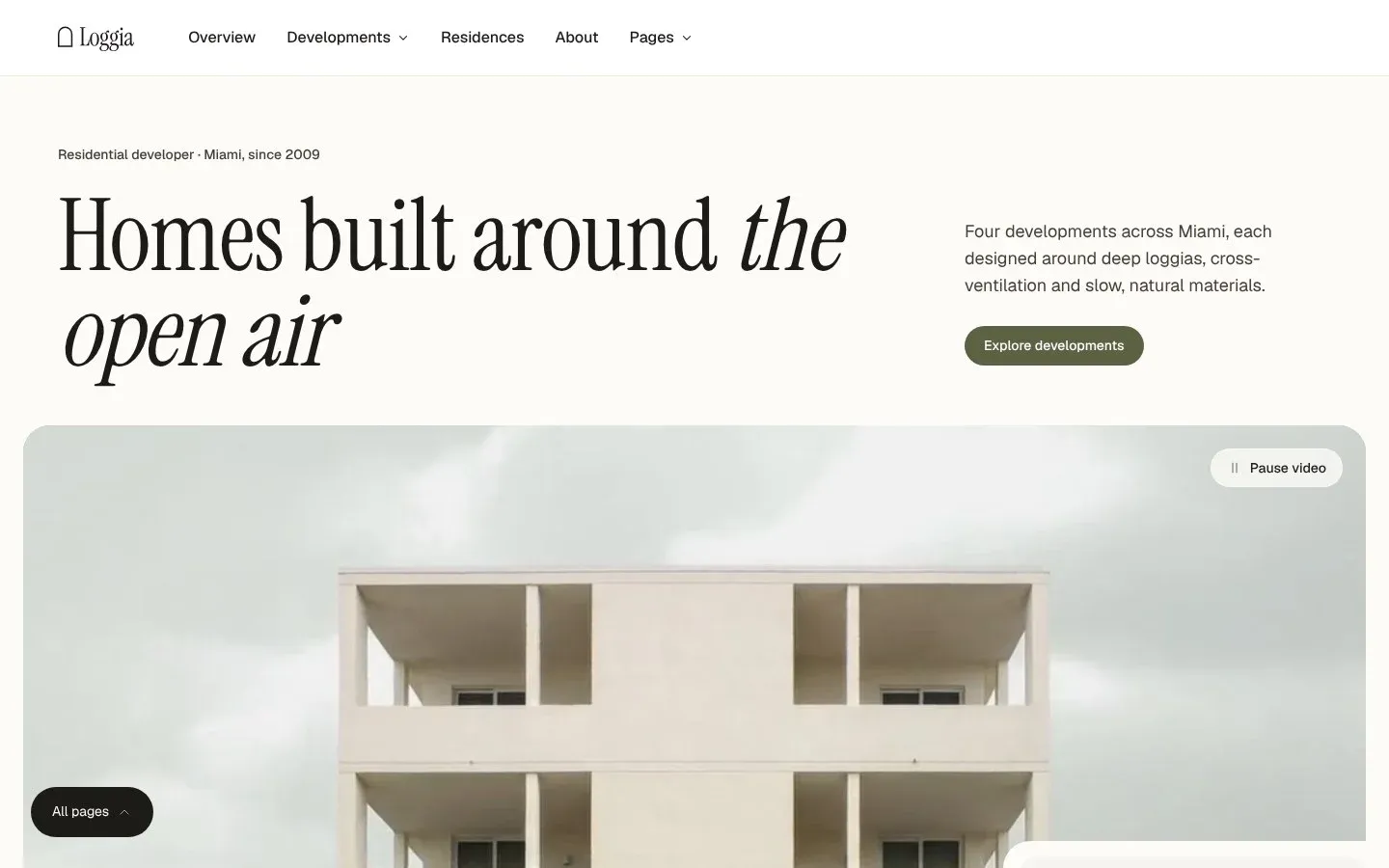
Loonis suggests your pages from your current site, your files or a few lines about your business. Loggia is built around these:
Developments. A collection: one page per development.
Residences. A collection: one page per home or residence type, with its floor plan, size, price and status.
Availability. What is still for sale.
Register interest. A short form for buyers before launch.
Buying guide. How buying works with you, from reservation to completion.
Neighborhood. The area around your homes.
Loggia also has Design, Living, Team, Journal and About pages. Don't need one? Leave it out when you pick your pages.
Your page plan
5 pages
HomeFound on your website
DevelopmentsFound on your website3 developments found
ResidencesFound on your website
Register interestFound on your website
AvailabilityRecommended for real estateRecommended
Add a page
Fields on a Loggia residence page
#
Field
What it shows
01
Floor plan
With a "Download plan (PDF)" button
02
Size
Interior and outdoor size, for example 104 m² inside and a 16 m² loggia
03
Price
Shown as "Priced from"
04
Bedrooms and bathrooms
Bedrooms and bathrooms
05
Status
Like Available or Coming soon, and how many homes are left, like "6 of 20 left"
06
Register interest
A "Register interest" button, repeated down the page
Inside Loggia
What a residence page shows in Loggia.
Every residence gets its own page. In the Loggia demo, a residence page shows:
The residences list shows the same status and homes left on every card, with the development's name. Loonis fills these from your price lists and floor plans. Any price, size or status it can't find goes on your Launch checklist.
Chat
Tell us about your business.
We build new homes in Miami: Bayline and Grove House.
Which pages do you need?
Developments, residences, availability and register interest.
What should your main button say?
Register interestBook a viewingCall us
How you start
How do you start a developer website in Loonis?
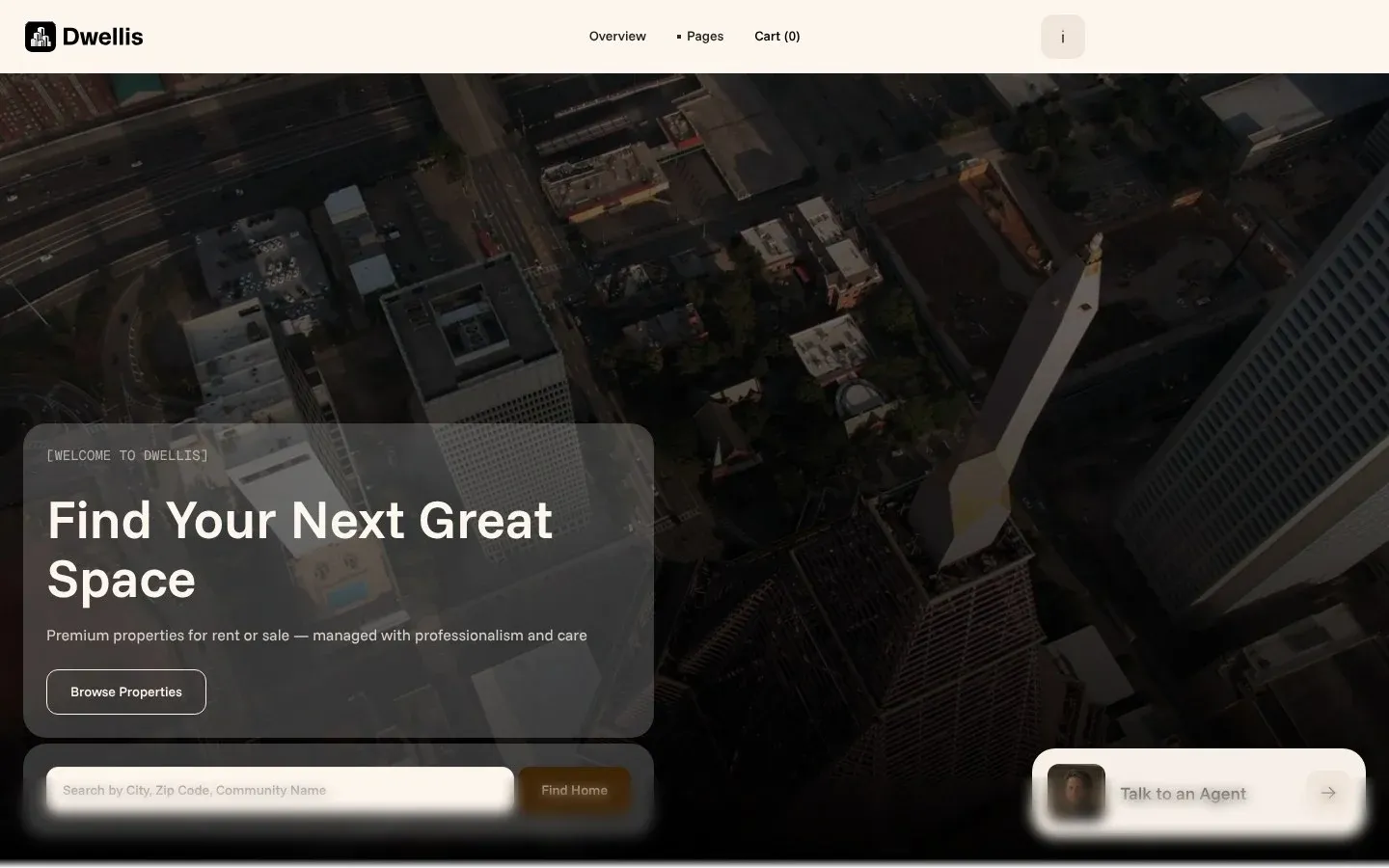
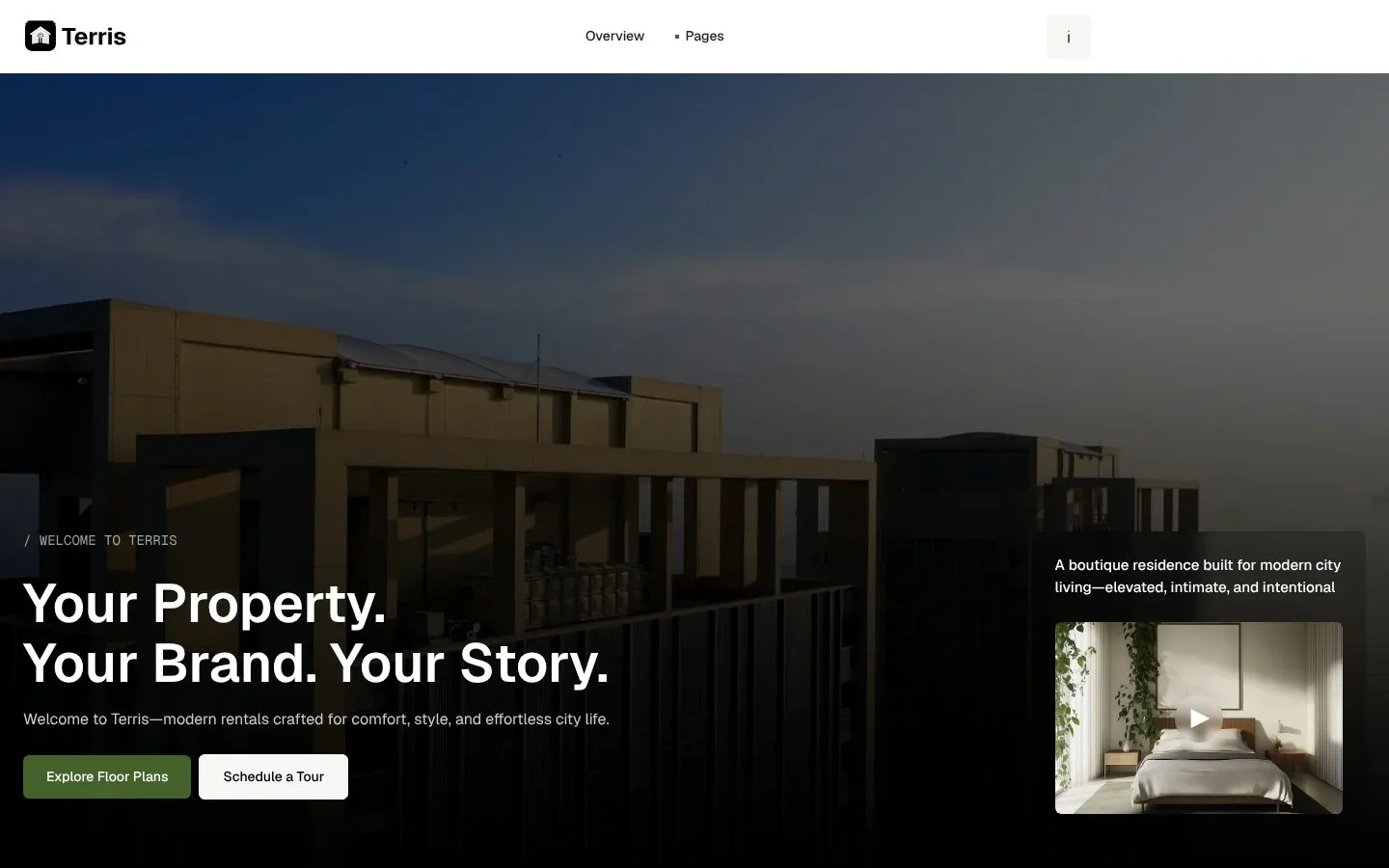
Pick Loggia, Terris or Dwellis. Then give us your content: your current site, or your brochures, price lists, floor plans and renders, up to 10 documents and 30 photos, 50 MB in total. Loonis builds a page for each development and residence it finds. You can also start with a few lines about your business, or connect your own AI agent on Pro and Premium.
Texts we suggest are a starting point, not legal advice.
We never guess your prices or completion dates.
These come only from you. If one is missing, the template's sample text stays in its place and is listed on your Launch checklist:
PricesConfirm
Availability and completion datesConfirm
Homes sold or deliveredConfirm
Areas and sizesConfirm
Photos.
We use the renders, plans and photos from your website and files. AI images are only for mood and background spots: never people, never a whole building that could pass as yours.
What should a real estate developer website include?
A page for each development, a page for each home or residence type with its plan, size, price and status, an availability list and a register interest form. Add a buying guide and your team, and your license or registration number where your country asks for it. In the US, keep an equal housing statement in the footer.
Can I build a website before my development is finished?
Yes. Build it from your brochures, renders, floor plans and price lists, then add photos as the homes are finished. AI images are only used for mood spots and are never presented as your homes. Prices and completion dates you haven't given keep the sample text and go on your Launch checklist, so nothing is a guess.
How do I add all my residences to my website?
When Loonis builds from your website or files, the first build brings in up to 9 items per list, so up to 9 residences. Add the rest after the build in the chat, which shows the credit cost before anything runs. Adding a residence by hand never uses credits. Each residence gets its own page.
How do I keep availability up to date?
You update it yourself, by chat or by hand. Each residence is an item in a collection, so you change one home in one place, and edits by hand use no credits. Loonis does not connect to sales systems or listing feeds, so availability does not update on its own.
Are renders labeled on my development website?
Yes. Renders and sample photos that aren't the finished building are labeled as illustrative, as Loonis's writing rules ask. AI images are only for mood spots and are never shown as your homes. Swap renders for real photos as the homes are finished, by chat or by hand, at no credit cost.
How much does a developer website cost with Loonis?
You can build it free. Free includes your first site build, 50 AI credits once and one published site on a loonis.app address, with no card needed. For your own domain, Pro is $29 a month, or $26 a month billed yearly, with 250 AI credits a month. Or add hosting to Free for $15 a month per site.